158
Accutome B-Scan Plus User Guide
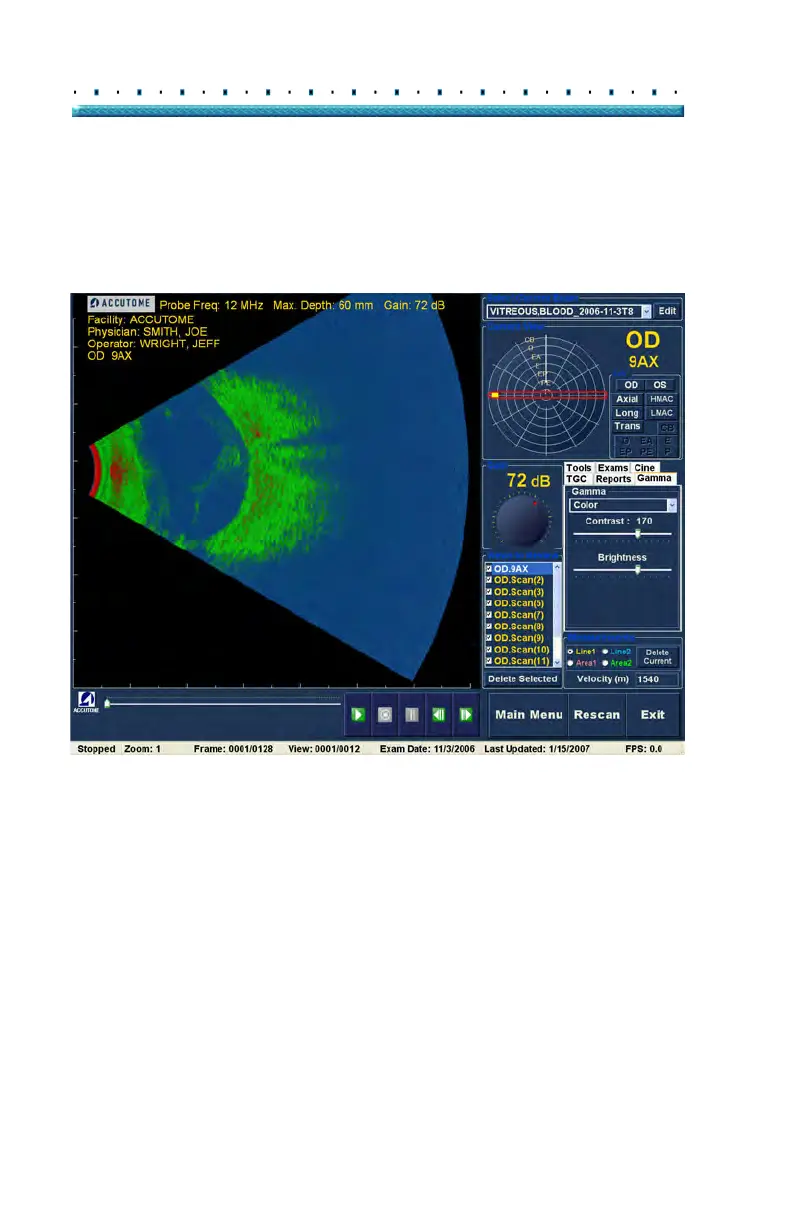
Color
The color gamma setting allows you to view the image in
color. The color setting can be advantageous in seeing
any abnormalities that may not easily be seen in the
other greyscale gamma settings.
Figure 122 Color Gamma Setting
Exam Info
Current View
Probe Controls
Scan Controls
All Views
TGC Adjustments
Gamma Adjustments
Edit Exam Info
Cine Buffers Display
Menu Buttons
Zoom Controls
Analyze



 To Next Page