61
Setup Sequences
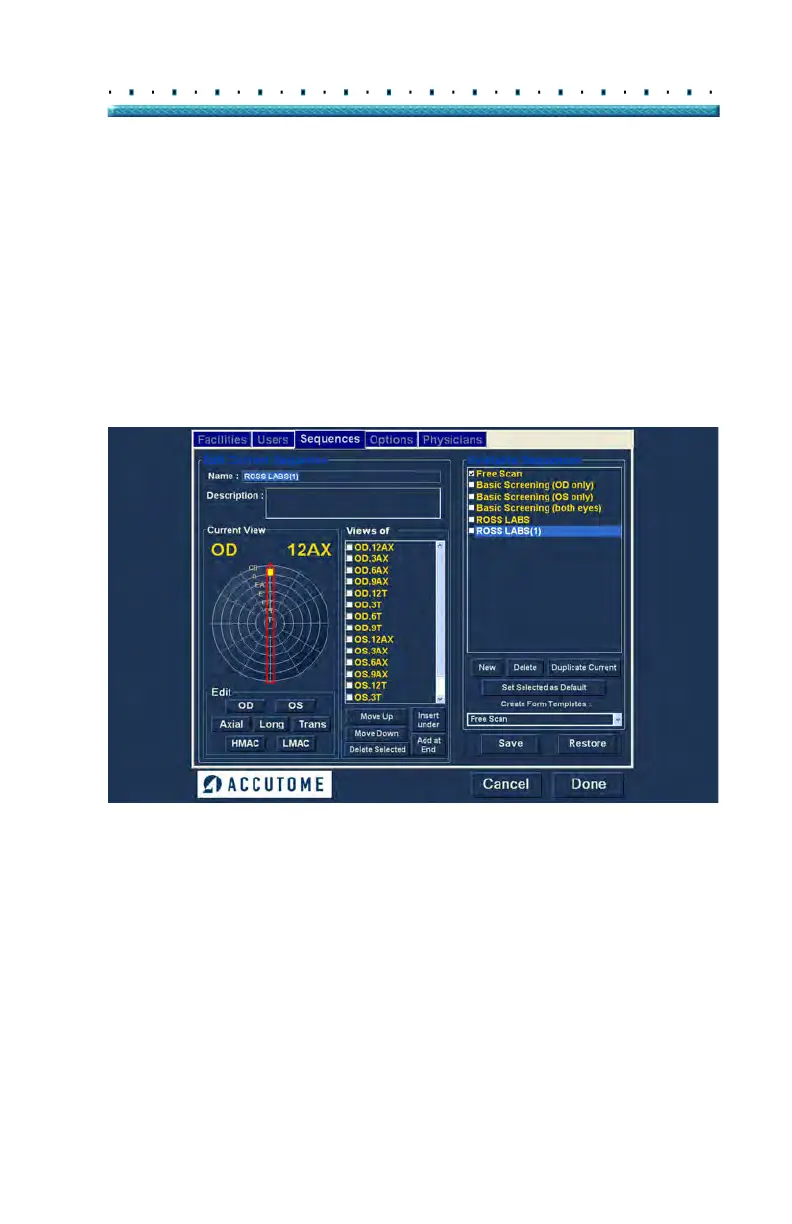
Duplicate Sequences from Selected
To duplicate a sequence’s information:
1. Sele
ct the sequence you would like to duplicate
from the "Available Sequences" list.
2. Cli
ck on "Duplicate".
3. A copy of the sequence will be displayed in the list
of Available Sequences with "(1)" beside the
name. You may then change any information for
the new sequence as necessary. If you make
more than one copy, the number will increment
with each copy.
Figure 42 Duplicating Current Sequence
Set Selected Sequence as Default
To set a sequence as the default B-Scan Plus operation:
1. Sele
ct the sequence you would like to become the
default from the "Available Sequences" list.
2. Cli
ck on "Set Selected as Default".
3. The sequence will become the default to appear
when you power up the Accutome B-Scan Plus.



 To Next Page