90
Accutome B-Scan Plus User Guide
How to Start a
New Exam
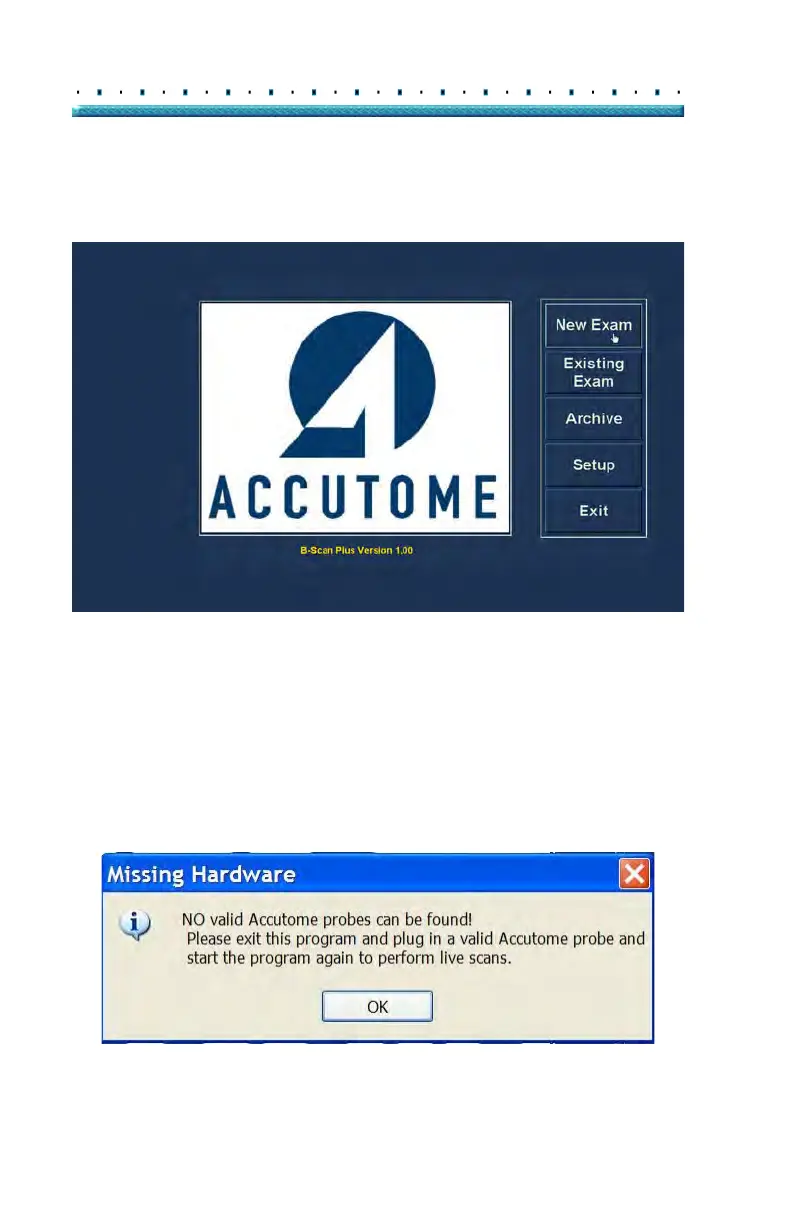
All Accutome B-Scan Plus functions are easily accessed
from the main screen. To start a new exam click on
"New Exam" as shown in Figure 71 below.
Figure 71 Starting a New Exam
No Probe Found
If the Accutome B-Scan Plus probe is not connected, not
connected properly, or for some other reason is not
recognized you will receive the message Figure 72
below. if you exit the program, reinsert the probe, and
restart the program, and you still receive the message
plea
se contact Accutome Customer Support for help.
Figure 72 No Probe Found Message



 To Next Page