184
Accutome B-Scan Plus User Guide
Report Form
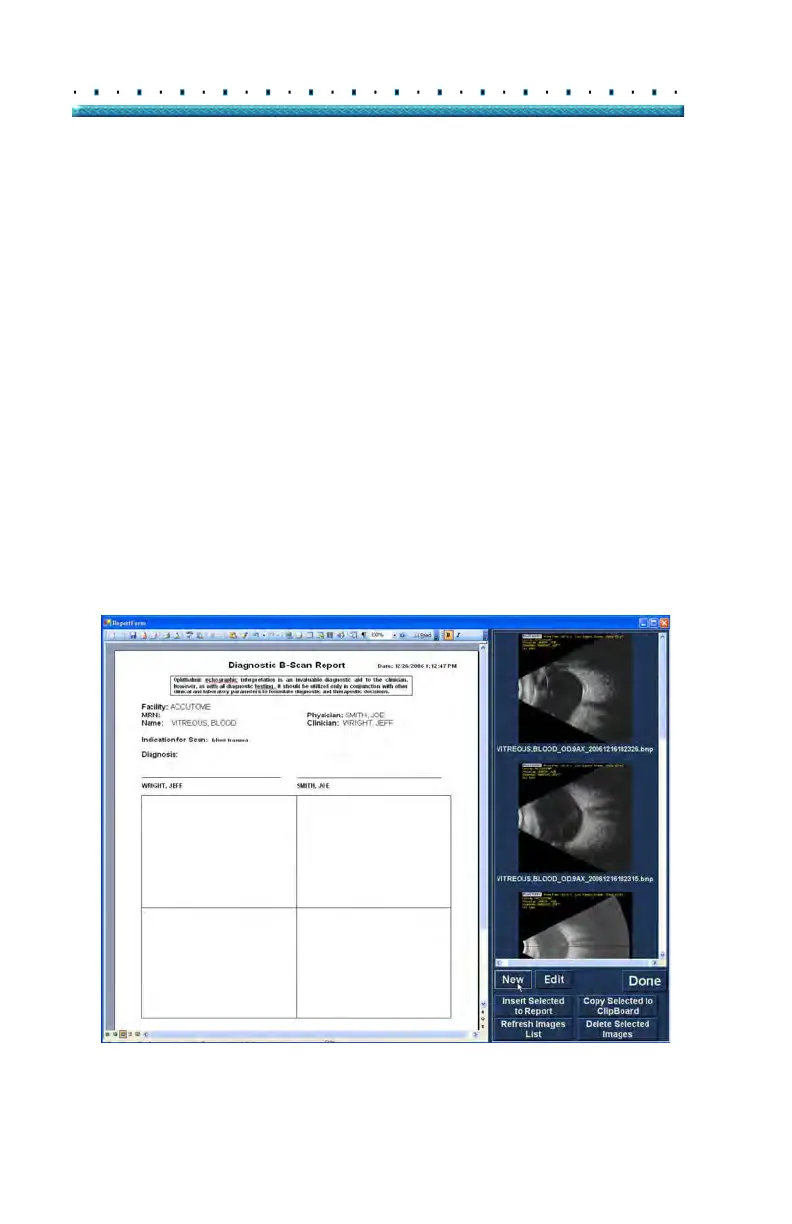
After you execute "New" in the Manage Reports window
the Reports Form will display as shown in Figure 143
below. The Report Form for the selected patient will
display all information in all the fields that have been
pred
efined in either the setup or the patient exam (either
when creating a new exam file or when editing a patient
exam). The Report template displays the following
fields:
Facility
MRN
Name
Physician
Clinician
Indication for Scan
Diagnosis
Two sign off lines for Clinician and Physician
There is also an area located below the information
fi
elds where selected snapshots will be loaded.
Figure 143 Report Form



 To Next Page