52
Accutome B-Scan Plus User Guide
How to Define the Sequence Scan
The key components in defining the sequence scan are
the eye (OD/OS), scanning method and probe position
for the scan.
To change the first scan of the sequence
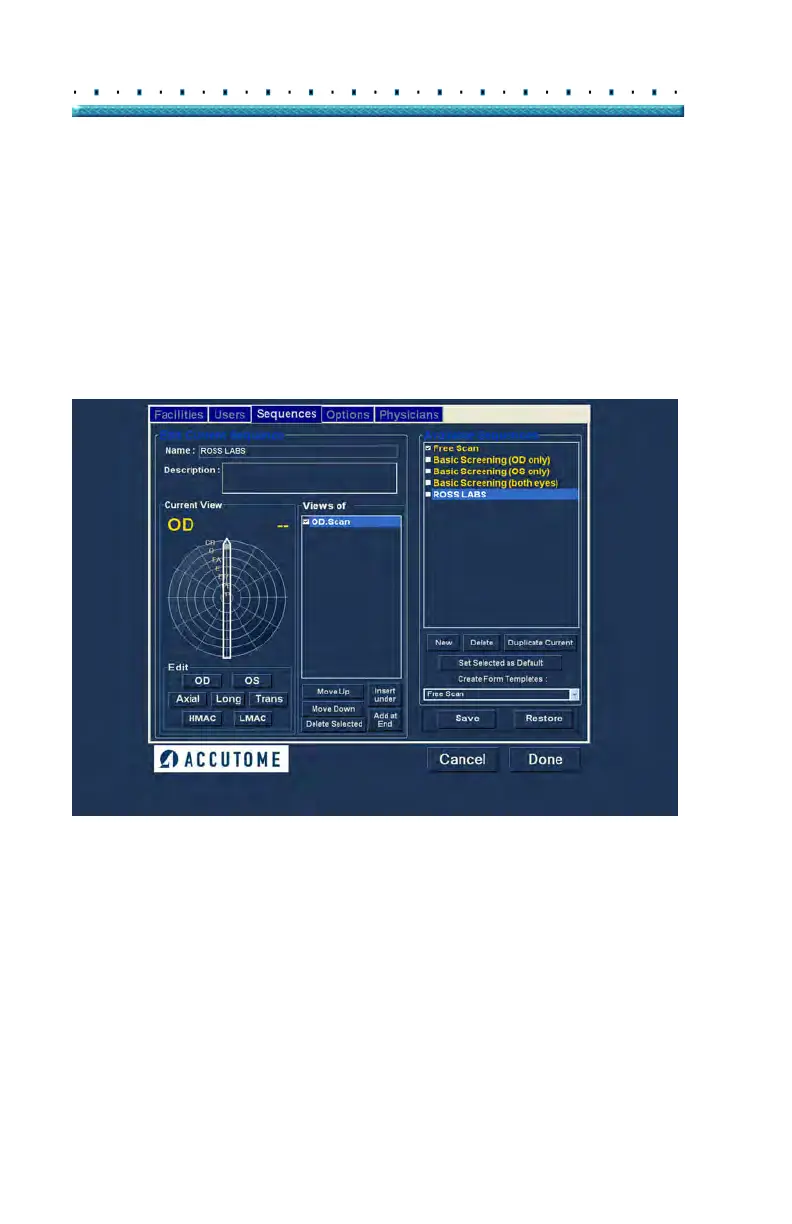
1. Sele
ct the first view, or scan, of the new sequence
by either clicking in the checkbox or double click-
ing on the scan title (e.g. OD.Scan) as shown in
Figure 34 below.
Figure 34 New Sequence - New View Active



 To Next Page