23
Getting Started Basic Operation
Basic
Operation
The basic operation of the Accutome B-Scan Plus
consists of the following steps:
1. T
urn on the Accutome B-Scan Plus computer.
2. Start the Accutome program (refer to "Starting
Accutome B-Scan Plus Program" below).
3. S
tart a new exam (refer to "How to Start a New
Patient Exam" )
4. Enter p
atient exam information (refer to "How to
Start a New Patient Exam" on page 20.
5. Se
t up the scan
6. Scan the patient eye(s).
7. Make any necessary image adjustments
8. Anal
yze the image.
9. Print or save the Patient Report.
Starting Accutome B-Scan Plus Program
The Accutome B-Scan program is launched like any
other Windows program, either through a shortcut on the
desktop or by accessing the "Start > All Programs"
menu.
1. If
launching the B-Scan Plus software from the
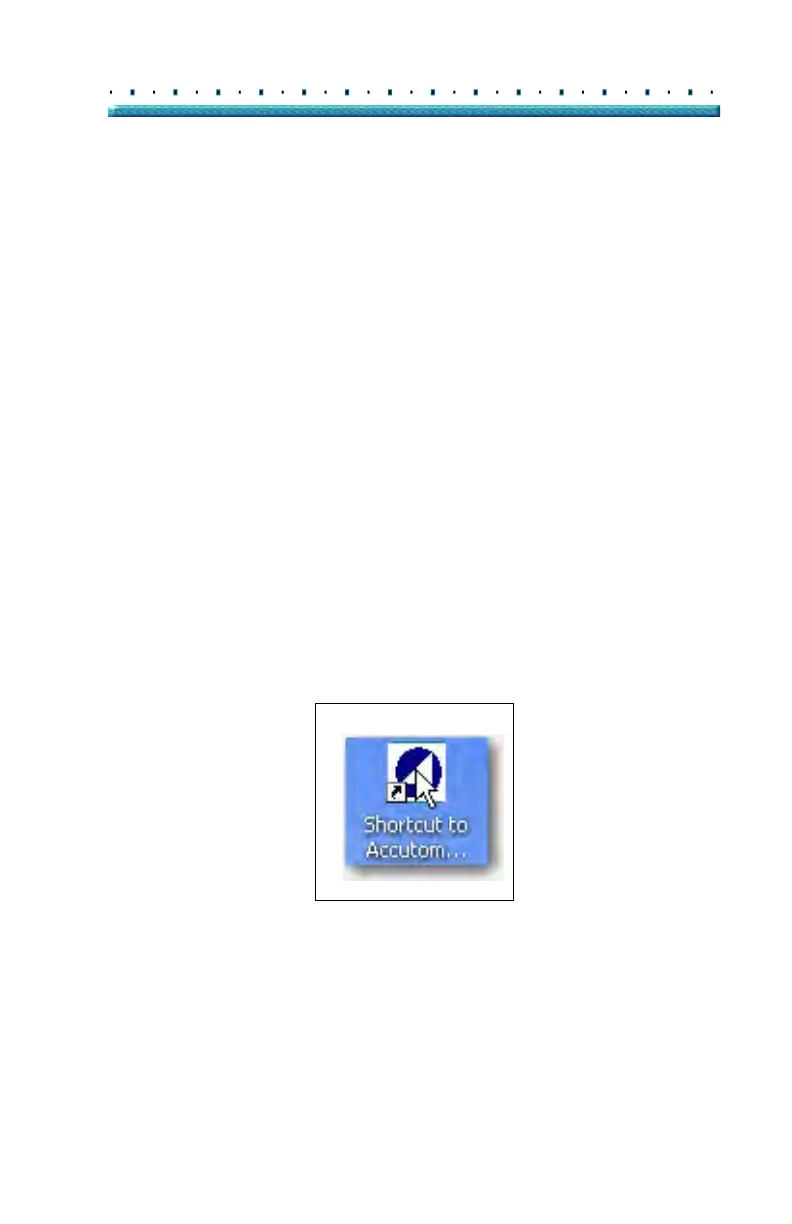
desktop, click on the icon displayed below. The B-
Scan Plus software will display at the main screen.
Figure 4 Accutome B-Scan Plus Desktop Shortcut



 To Next Page