145
Patient Image Analysis Selecting an Existing Exam
Cancel
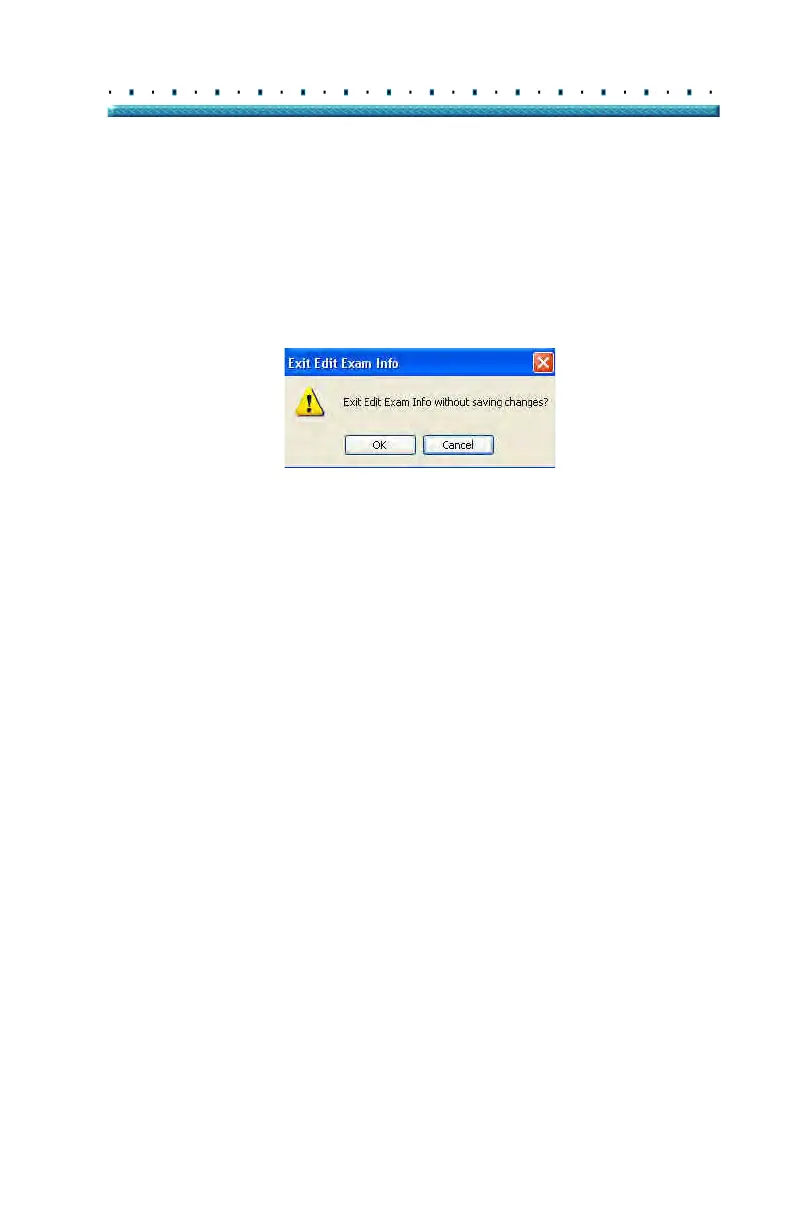
If you would like to cancel the Edit Exam Information
activity without saving changes click on "Cancel" The
dialog displayed in Figure 111 below will launch. If you
would like to cancel the process click "OK". If you would
like
to return to the Edit Exam Information window and
continue activity, click "Cancel"
Figure 111 Exit Edit Exam Information Dialog
Done
When you have finished making all edits in the Edit
Exam Information window click "Done" The Edit Exam
Information window will close and you will return to the
Existing Exam Screen.



 To Next Page