188
Accutome B-Scan Plus User Guide
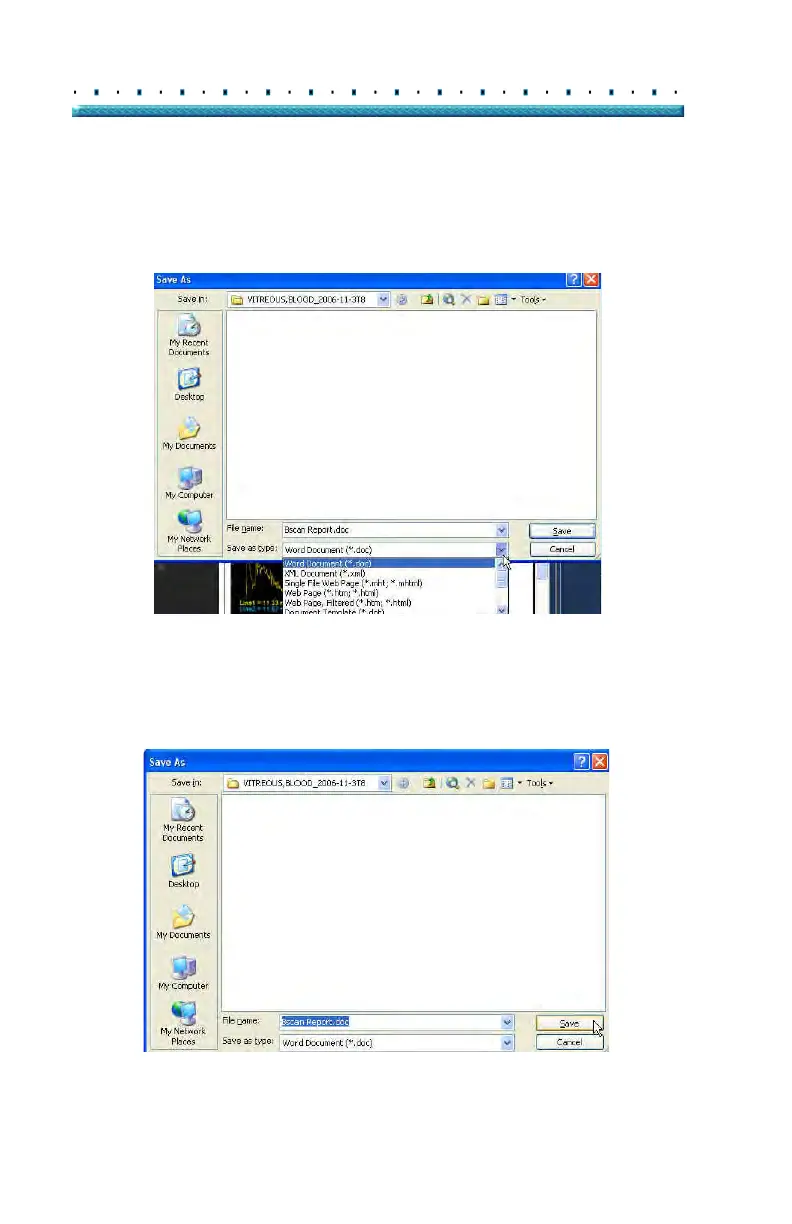
2. The Accutome B-Scan Plus will launch a Windows
browser for you to locate the folder in which to
save the patient report.
3. Select the file type you would like to save the
report as from the "save as type" drop down list.
Figure 147 Selecting File Type
4. Enter the
name for the report file and click "Save"
as shown below.
Figure 148 Saving Report



 To Next Page