200
Accutome B-Scan Plus User Guide
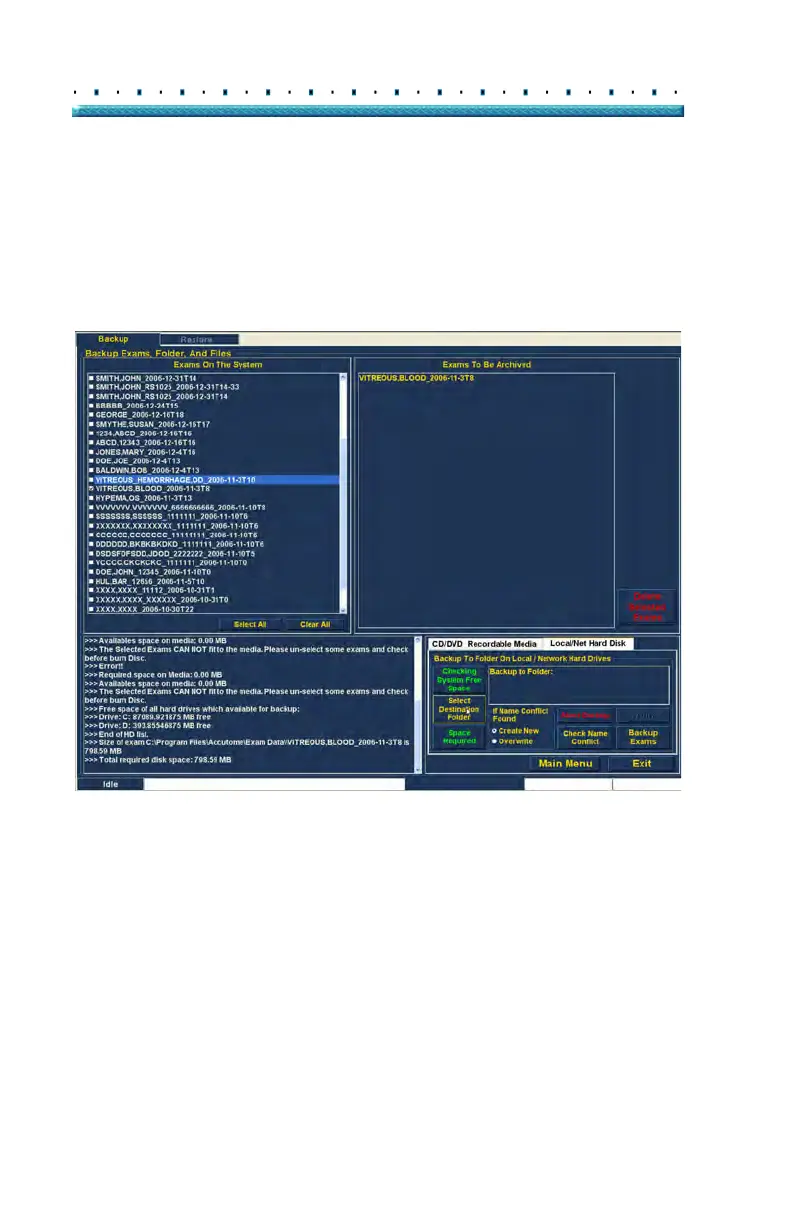
Selecting the Destination Folder
After you have selected the exams you would like to
back up you need to designate the location at which you
would like to store the exams.
1. Cli
ck on "Select Destination Folder" as shown in
Figure 158 below.
Figure 158 Launching Select Destination Folder



 To Next Page