201
Archive and Restore Archive to a Local/Net Hard Disk
Locating Destination Folder
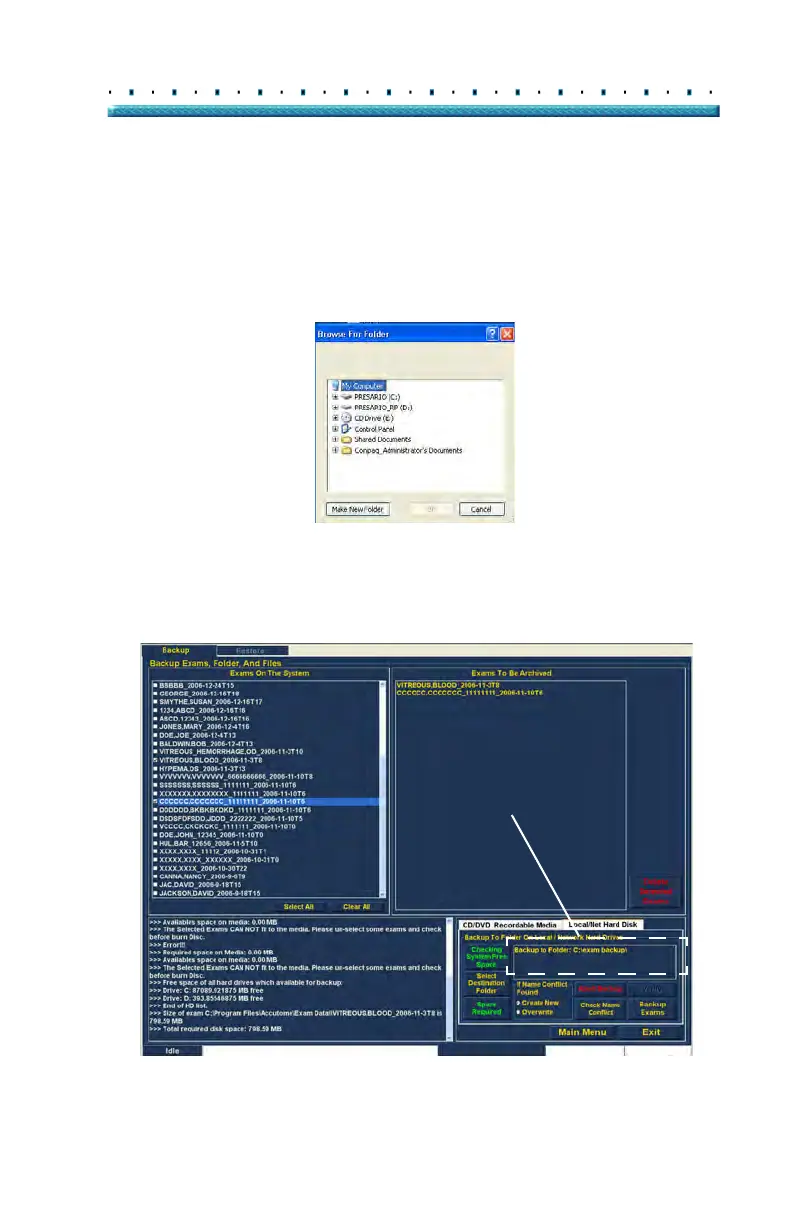
After you execute "Select Destination Folder" the B-Scan
Plus will launch a Windows browser shown in Figure 159
below.
2. Using
the Windows browser locate the folder in
which you would like to backup the patient exams.
Figure 159 Windows Browser - Locating Destination Folder
3. Af
ter you have the selected the destination folder
the path and name of the folder will appear as
shown in Figure 160 below
Figure 160 Destination Folder Displayed



 To Next Page