38
Accutome B-Scan Plus User Guide
Setup Menu
Selections
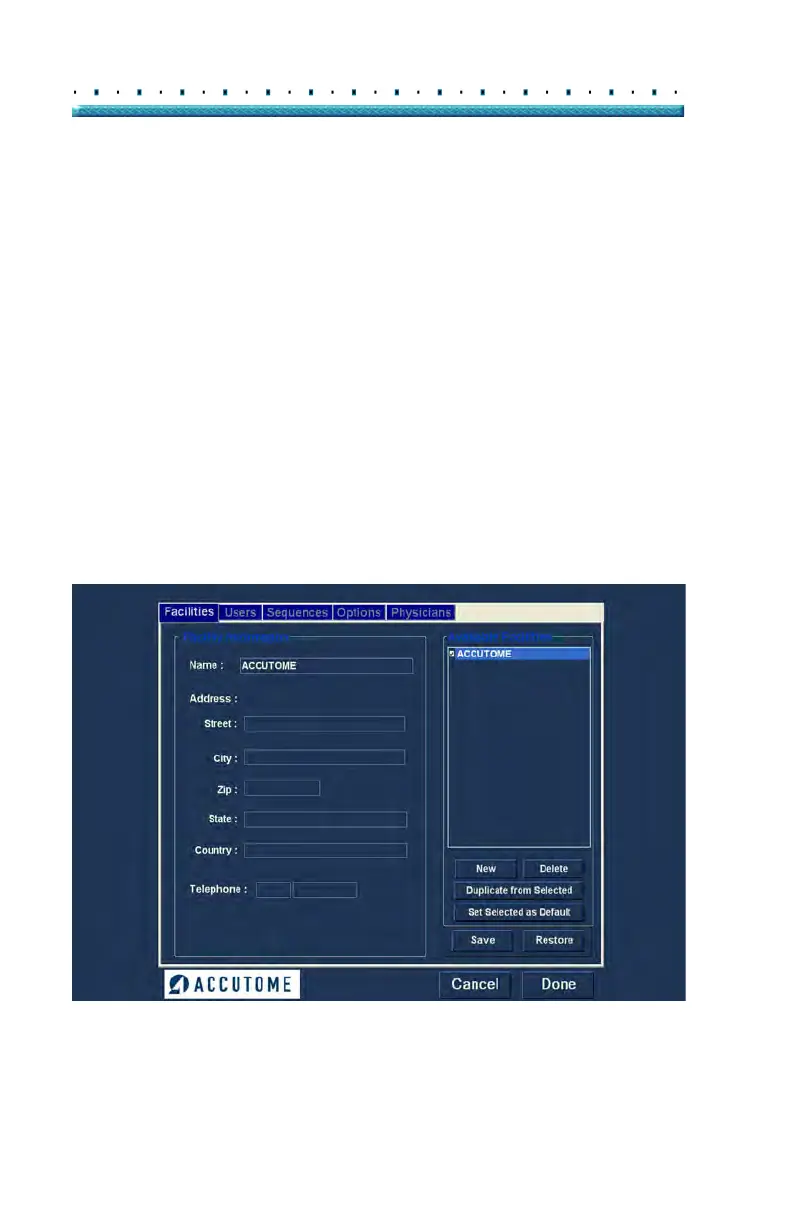
When you select "Setup" the Accutome B-Scan Plus
displays the setup window shown below. The window
has tabs that correspond to the various setup features.
Each tab will display the corresponding screen upon
selection. The default tab upon launching setup is
"Facilities" as shown in Figure 19.
The Setup tabs are as follows:
Facilities - location to add, edit and delete
exam facilities
User - location to add, edit and delete
Accutome B-Scan Plus users
Sequences - location to add, edit and delete
probing sequence protocols
Options - location to edit application and image
control options
Physicians - location to add, edit and delete
physicians associated with the Accutome
B-Scan Plus
Figure 19 Setup Facilities Tab



 To Next Page