51
Setup Sequences
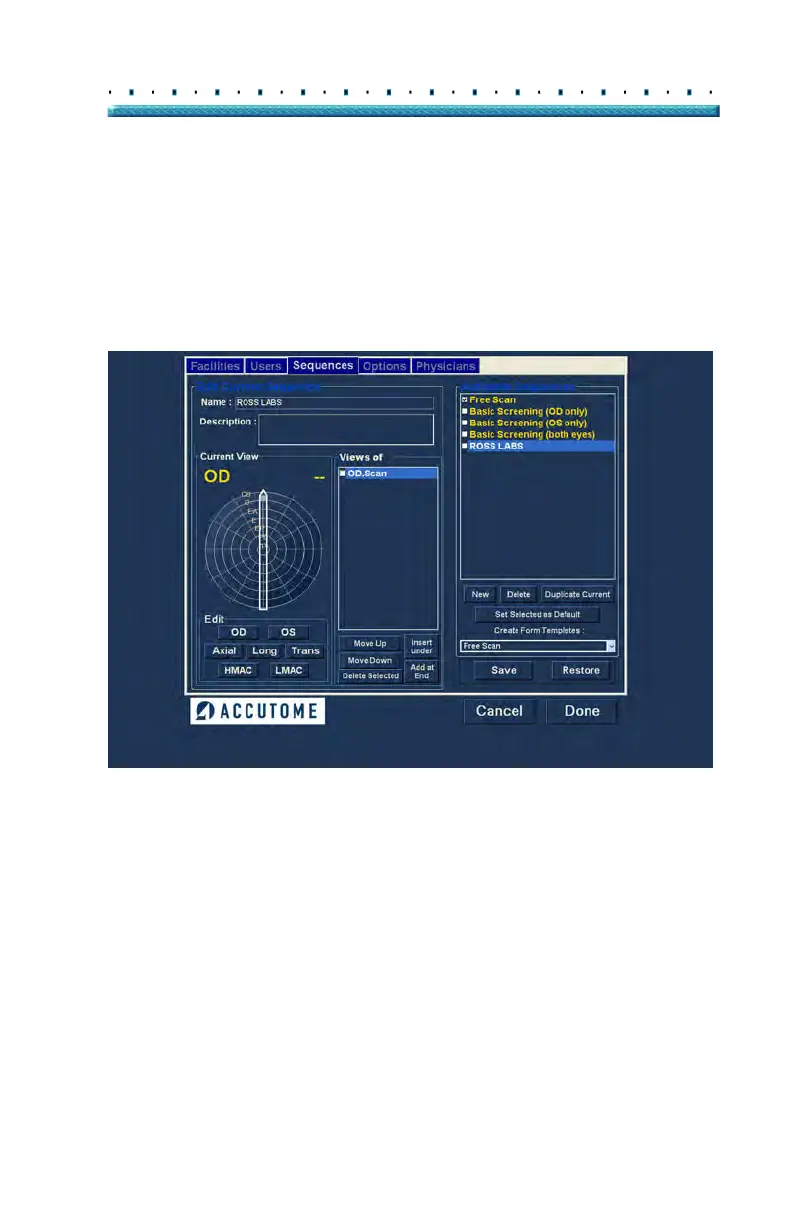
3. In the Name field, located below "Edit Current
Sequences" enter the name of the newly added
sequence. When you have finished entering the
new name the sequence name in "Available
Sequences" will be renamed as shown in
Figure
33 below. Enter a description of the scanning
sequence in the description field if necessary.
Figure 33 Assigning Name to New Sequence



 To Next Page