26
Accutome B-Scan Plus User Guide
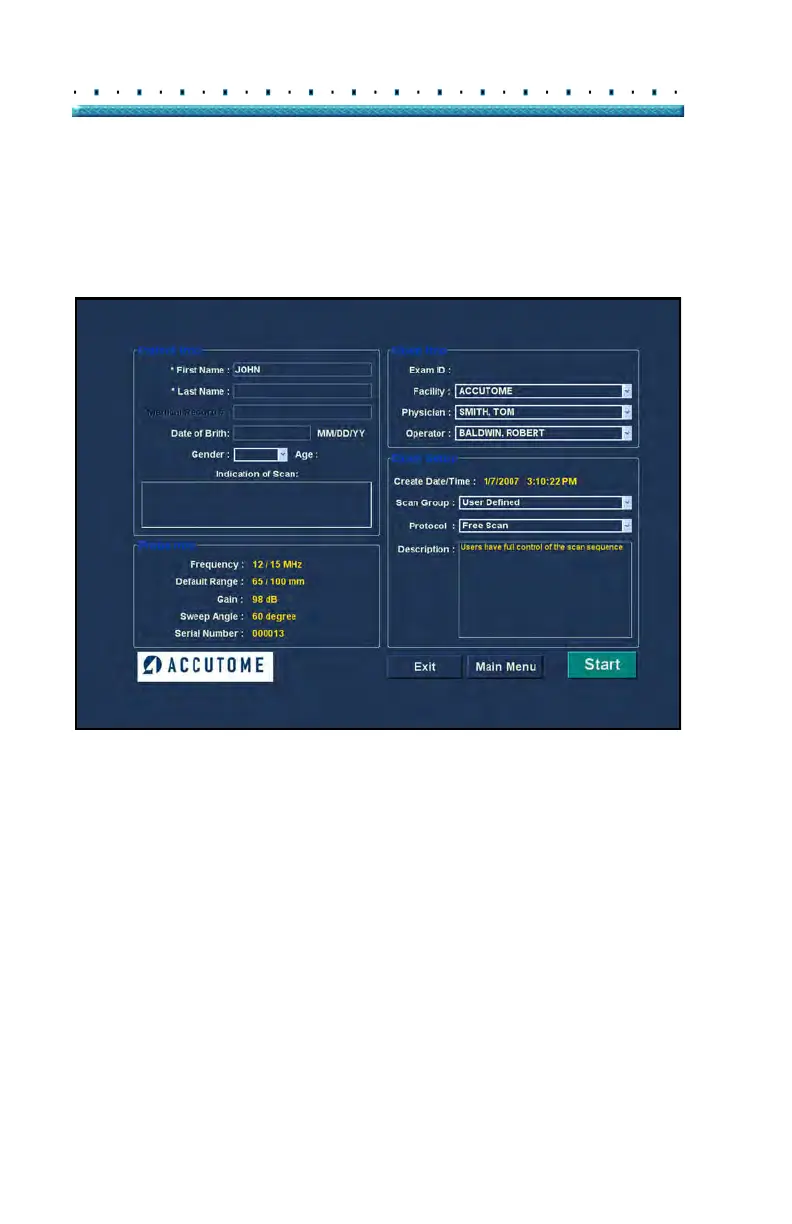
2. Enter information in data fields by clicking in each
field and typing accordingly. In
Figure 7 below the
First Name field has just been completed.
To move from one field to another you may use the Tab
Key on your computer keyboa
rd.
Figure 7 Entering New Patient Information



 To Next Page