ADOBE AFTER EFFECTS 7.0
User Guide
124
The QuickTime and Video For Windows Footage panels do not display the results of settings made in the Interpret
Footage dialog box, such as the alpha channel interpretation method. However, for any footage item that includes
audio, the QuickTime and Video For Windows Footage panels play the audio, while the After Effects Footage panel
does not. For more information on alpha channel interpretation methods, see “About straight and premultiplied
channels” on page 242. For more information on how to interpret footage, see “To specify interpretation rules” on
page 71.
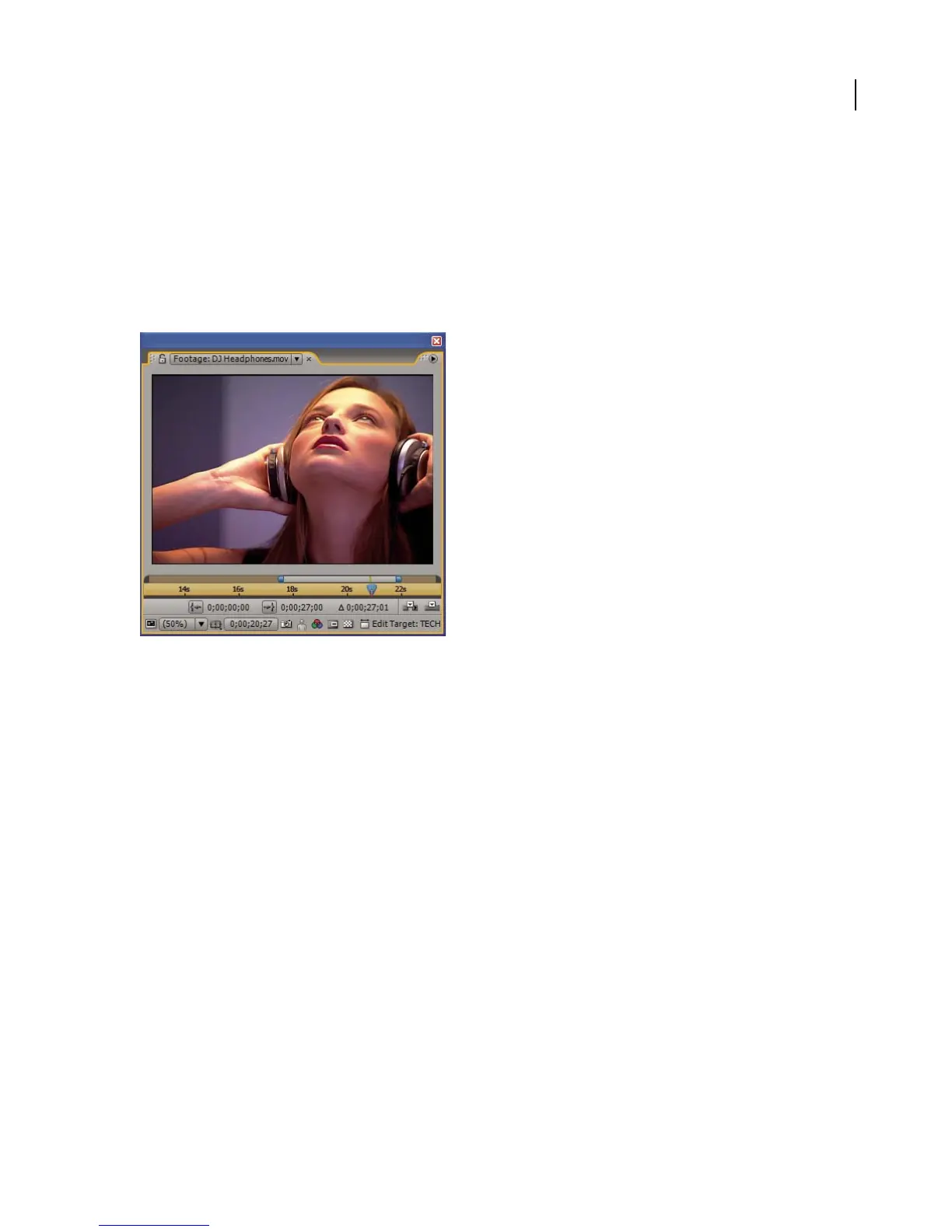
To view the footage with more controls and information but without audio, view it in an After Effects Footage panel,
where you can trim the footage and insert it into the Timeline panel.
Using Footage panel to trim footage and insert it into Timeline panel
To open a movie in the Footage panel
1 To open a movie in the After Effects Footage panel, press Alt (Windows) or Option (Mac OS) as you double-click
a movie in the Project panel.
2 To open a movie in the Footage panel, double-click a movie in the Project panel, or press Alt (Windows) or Option
(Mac OS) and double-click either on the layer in the Timeline panel or on the movie in the Composition panel.
To edit footage in its original application
You can open and edit a footage item in the application in which it was created, directly from an After Effects project.
The original application must be installed on the computer you are using, and there must be enough unused RAM
for it to run. When you edit and save changes to the footage in the original application, the changes are applied to all
instances of the footage as soon as After Effects becomes the active application.
Note: If you’re editing footage that has an alpha channel, make sure that you’re viewing and editing all the channels,
including the alpha channel, in the other application. Otherwise, changes you make might not be applied to the alpha
channel, and it may become misaligned with the color channels.



 To Next Page