ADOBE AFTER EFFECTS 7.0
User Guide
293
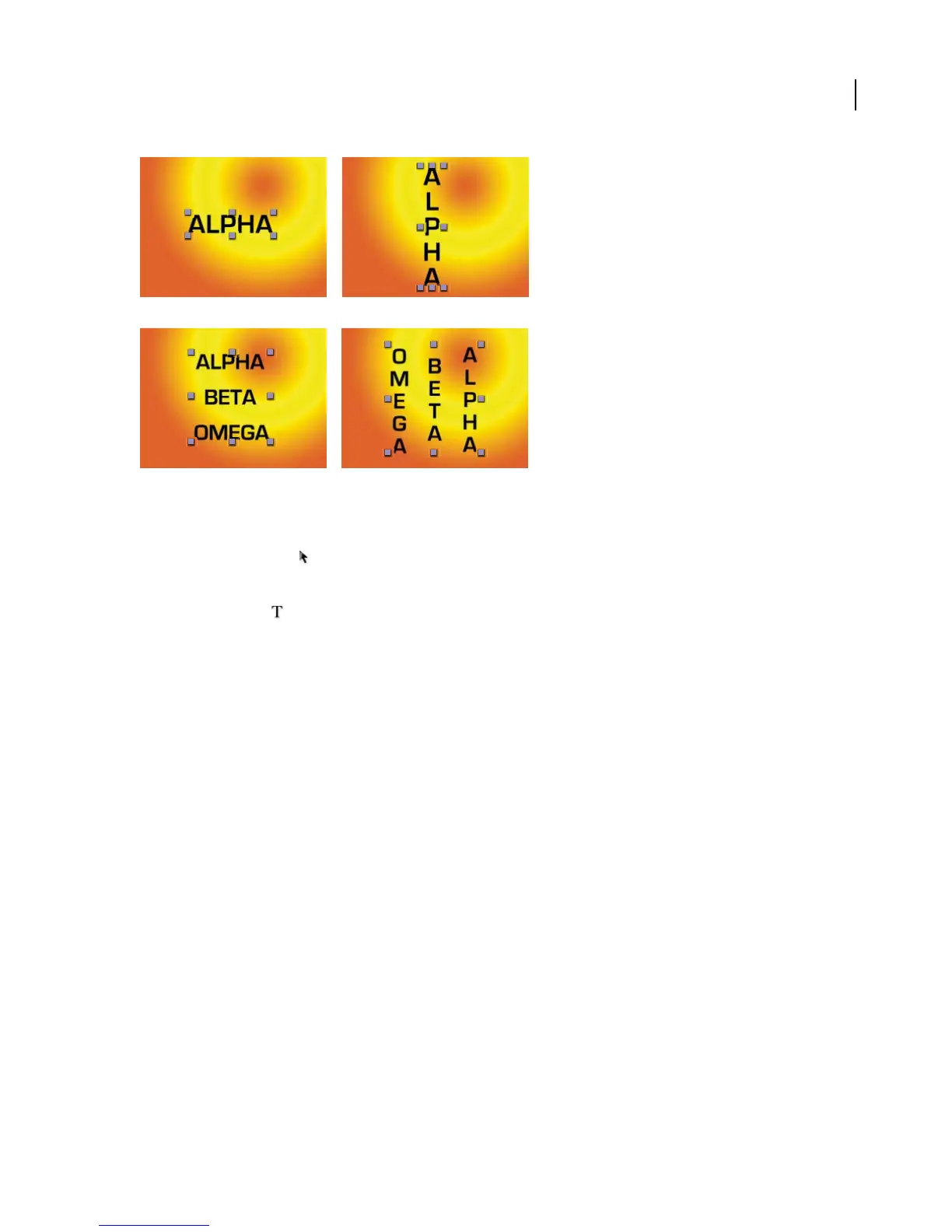
A. Horizontal point text B. Horizontal point text converted to vertical C. Horizontal paragraph text D. Horizontal paragraph text converted
to vertical
1 Using the Selection tool , select the text layer.
Note: You can’t convert the text layer if it’s in text-editing mode.
2 Using the Text tool , right-click (Windows) or Control-click (Mac OS) anywhere in the Composition panel,
and choose Horizontal or Vertical.
Choosing a text composition method
Theappearanceoftextonthepagedependsonacomplexinteractionofprocessescalledtext composition.Usingthe
word spacing, letter spacing, and glyph spacing options you’ve selected, After Effects evaluates possible line breaks
and chooses the one that best supports the specified parameters.
After Effects offers two composition methods, which you choose from the Paragraph panel menu:
Adobe Every-line Composer Considers a network of break points for a range of lines and thus can optimize earlier
lines in the paragraph in order to eliminate especially unattractive breaks later on. Working with multiple lines of
text results in more even spacing and fewer hyphens. The Every-line Composer approaches composition by identi-
fying possible breakpoints, evaluating them, and assigning a weighted penalty based on these principles:
• Highest importance is given to evenness of letter and word spacing. Possible breakpoints are evaluated and
penalized according to how much they deviate from optimal spacing.
• After breakpoint penalty values are identified for a range of lines, they are squared, magnifying the bad break-
points. The composer then uses the good breakpoints.
Adobe Single-line Composer Offers a traditional approach to composing text one line at a time. This option is useful
if you prefer to have manual control over how lines break. If spacing must be adjusted, the Single-line Composer first
tries to compress, rather than expand text.
A B
C D



 To Next Page