ADOBE AFTER EFFECTS 7.0
User Guide
20
Working with panels
About panels
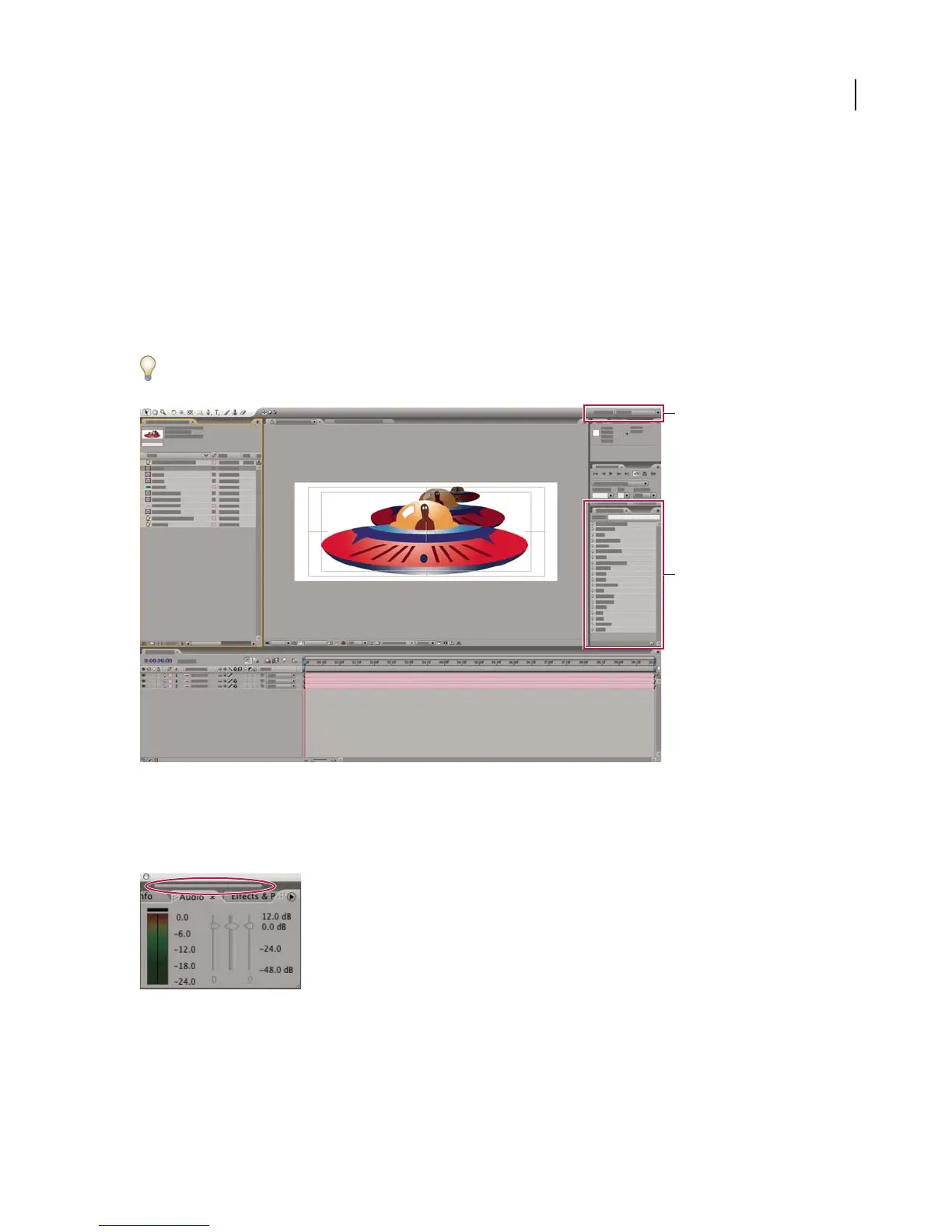
By default, After Effects organizes panels in the Standard workspace configuration. You can choose from a number
of preconfigured workspaces, customize these workspaces, or create new workspaces. Workspaces remember panel
locations even if the panels aren’t open. The Standard workspace displays the Project, Composition, Timeline, Info,
Audio, Time Controls, and Effects & Presets panels.
For information about specific panels, search for the panel name in Help.
You can assign keyboard shortcuts to workspaces: Choose Window > Assign Shortcut To [Workspace Name]
Work space.
Standard workspace
A. Menus of preconfigured workspaces B. Effects & Presets panel
Note: If After Effects displays more grouped panels than can be displayed at once, drag the slider bar that appears above
the tabs.
Dragging slider bar to display other tabs.
See also
“To dock or group panels” on page 17
B
A



 To Next Page