ADOBE AFTER EFFECTS 7.0
User Guide
12
Use keyframes to animate layers
Preview your work
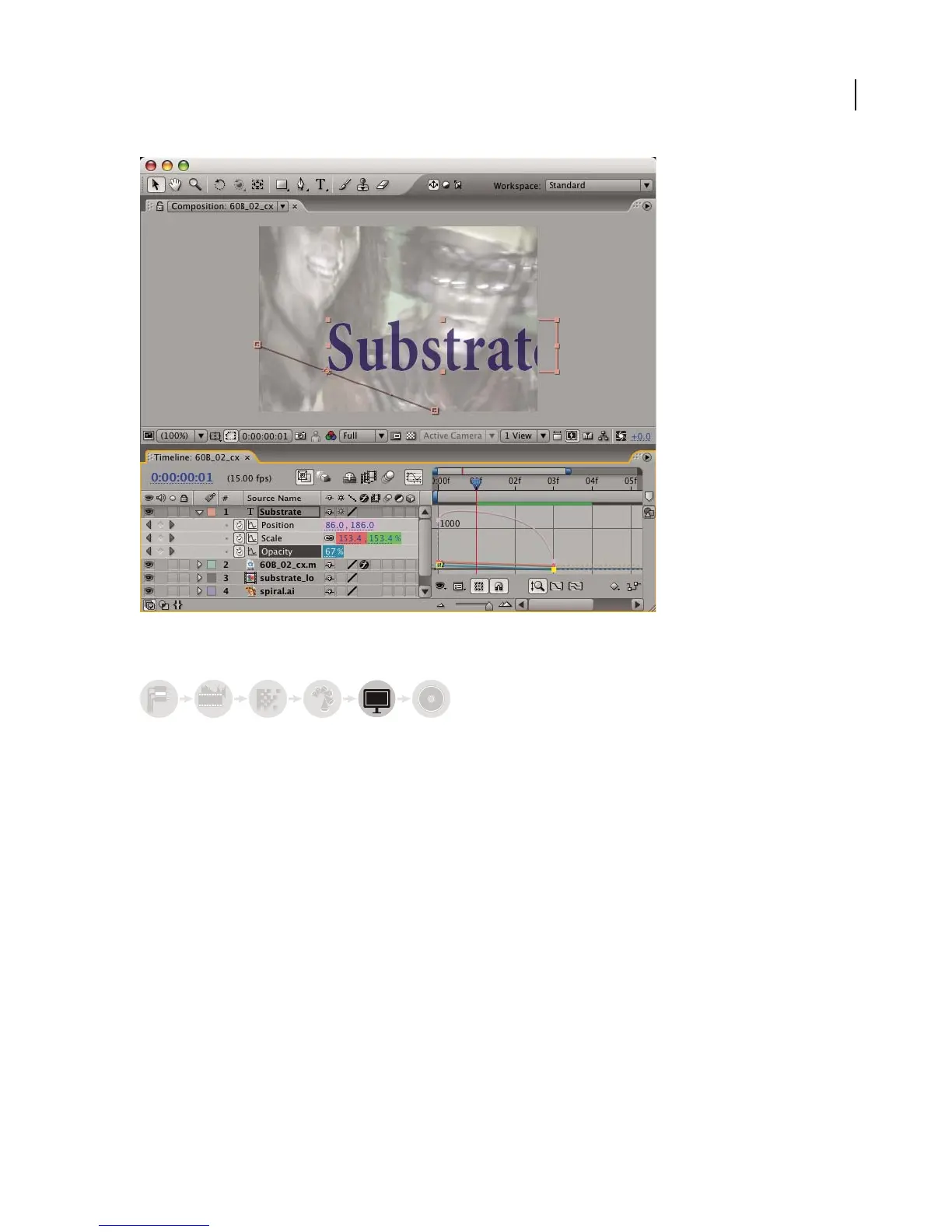
Previewing compositions is fast and convenient, even for complex projects, especially if you use OpenGL technology
to accelerate previews. You can change the speed and quality of previews by specifying their resolution and frame
rate, and by limiting the area and duration of the composition that you preview. For more information, see “Methods
for previewing compositions” on page 134.
abcabc



 To Next Page