ADOBE AFTER EFFECTS 7.0
User Guide
185
2 Using the Selection or Rotation tool, do one of the following:
• To move the camera, light, or the point of interest, position the pointer over the axis you want to adjust, and drag.
• To move the camera or light along a single axis without moving the point of interest, drag the axis while holding
down Ctrl (Windows) or Command (Mac OS).
• To move the camera or light freely without moving the point of interest, drag the camera icon .
• To move the point of interest, drag the point of interest icon .
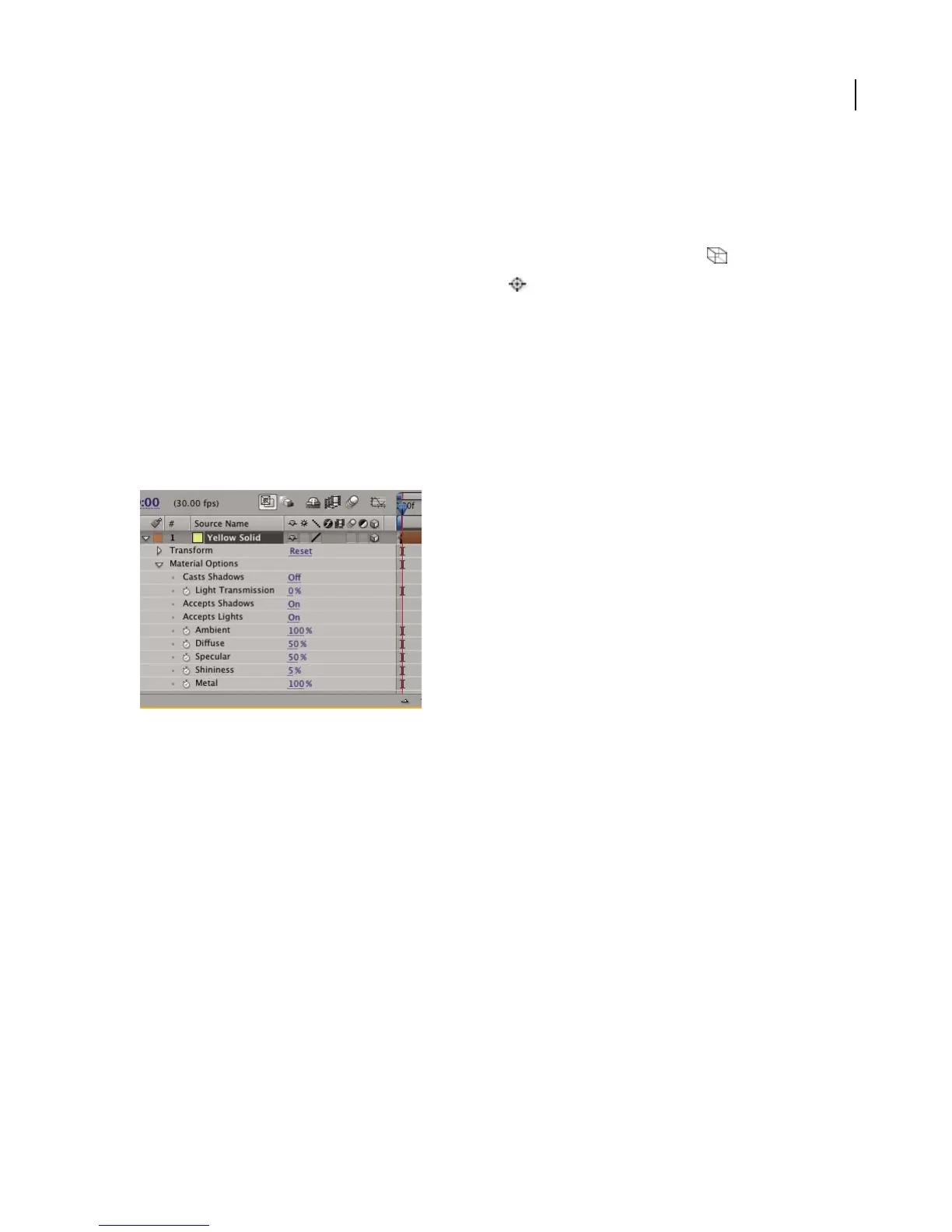
Material Options properties
In the Timeline panel, 3D layers have an additional set of properties called Material Options. These determine how
a 3D layer interacts with light and shadow, both of which are important components of realism and perspective in
3D animation.
Shadows cast by continuously rasterized 3D layers (including text layers) are not affected by effects applied to that
layer.Ifyouwanttheshadowtoshowtheresultsoftheeffect,precomposethelayerwiththeeffectbeforeaddingthe
shadow. (For more information on precomposing layers, see “To precompose layers” on page 133.)
3D layer material options



 To Next Page