ADOBE AFTER EFFECTS 7.0
User Guide
408
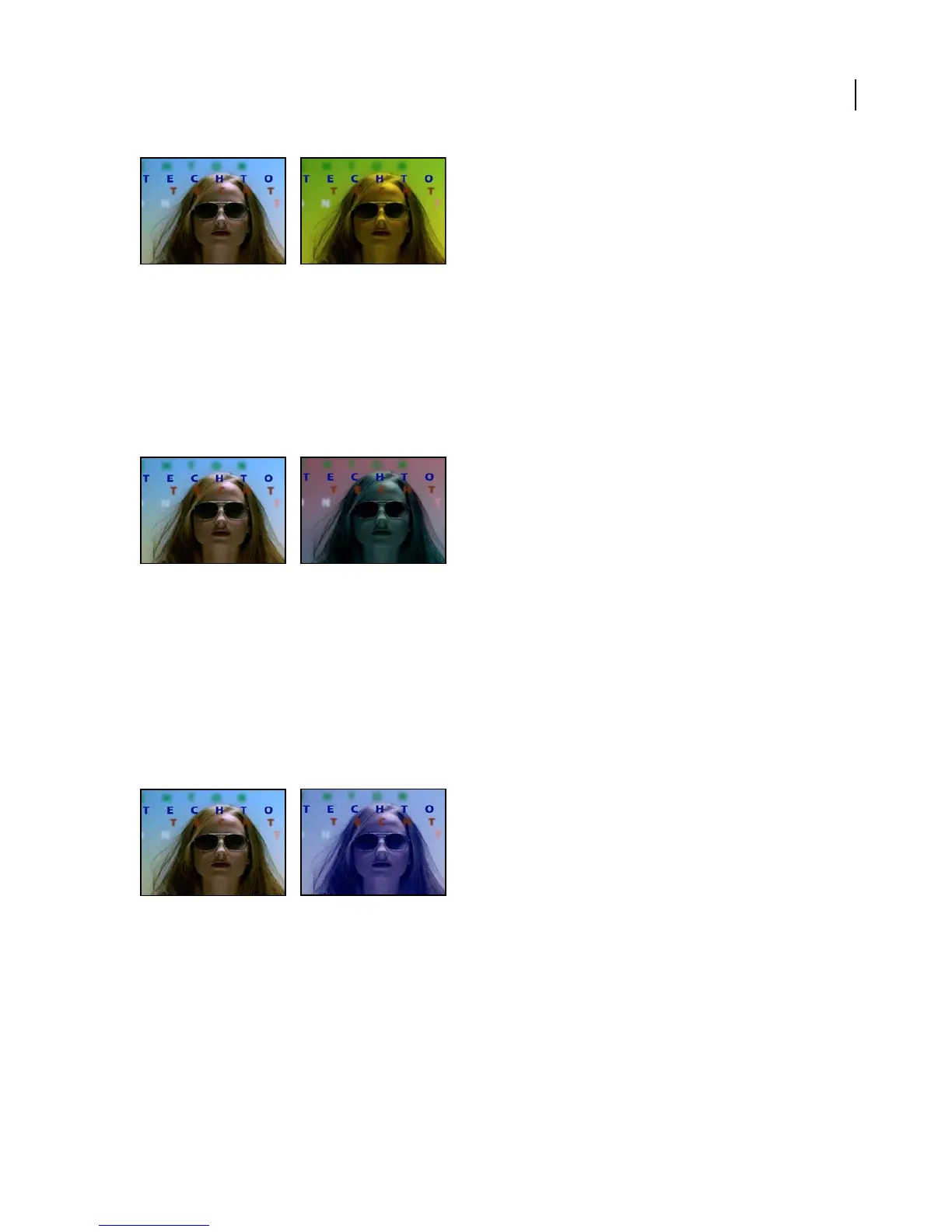
Original (left), and with effect applied (right)
Color Balance (HLS) effect
The Color Balance (HLS) effect alters an image’s levels of hue, lightness, and saturation. It is intended only to provide
compatibility with projects created in earlier versions of After Effects that use the Color Balance (HLS) effect. For
new projects, use the Hue/Saturation effect, which operates the same as the Hue/Saturation command in Adobe
Photoshop. You can convert a movie to grayscale by setting the Saturation to –100.
This effect works with 8-bpc and 16-bpc color.
Original (left), and with effect applied (right)
See also
“Hue/Saturation effect” on page 415
Color Link effect
The Color Link effect colorizes one layer with the average pixel values of another selected layer. This effect is useful
for quickly finding a color that matches the color of a background layer.
This effect works with 8-bpc color.
Original (left), and with effect applied (right)
Adjust the following controls for Color Link:
Source Layer Select the layer from which you wish to sample colors. Color Link chooses your original layer if None
is selected, taking into account any masking or other effects that you have applied. If you choose the original layer’s
name from the menu, Color Link samples from the source layer before masking or effects are applied.



 To Next Page