ADOBE AFTER EFFECTS 7.0
User Guide
474
Adjust the following controls for either the Noise HLS effect or the Noise HLS Auto effect:
Noise Specifies the type of noise the effect adds. Uniform produces evenly distributed pixel noise. Squared produces
sparse, high-contrast noise that is distributed randomly. Grain produces grain-like noise that is useful for simulating
film.
Hue Specifies the amount of colored noise that the effect generates, in proportion to the layer’s hue values.
Lightness Specifies the amount of grayscale noise that the effect generates, in proportion to the layer’s luminance
values.
Saturation Specifiestheamountofcoloredandgrayscalenoisethattheeffectgenerates,inproportiontothelayer’s
saturation values.
Grain Size This control is active only when you choose Grain from the Noise pop-up menu.
Noise Phase (Noise HLS only) Specifies the random seed value for the noise. When you set keyframes for Noise
Phase, the effect cycles through the phases to create animated noise. Greater value differences between keyframes
increase the speed of the noise animation.
Noise Animation Speed (Noise HLS Auto only) Specifies the speed of the noise animation. To increase the rate at
which the noise effect changes, set the value higher. For slower changing noise, set a lower value. To accelerate or
decelerate the speed of the noise, set keyframes for this control.
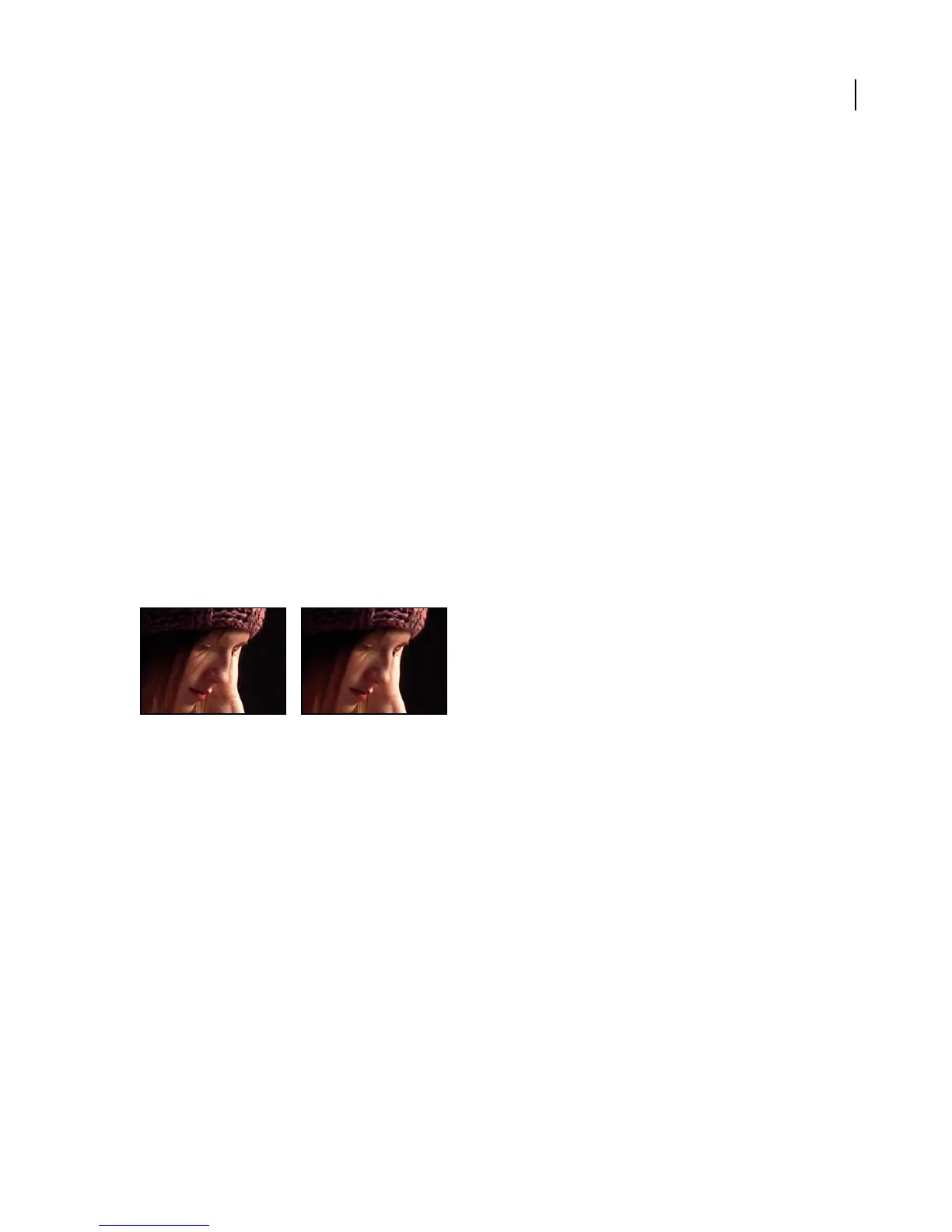
Remove Grain effect
This effect works with 8-bpc and 16-bpc color.
Original (left), and with effect applied (right)
See also
“To remove noise or grain from an image” on page 358
“Removing grain in frame sequences” on page 360
Paint effects
Paint effect
ThePainteffectletsyoumodifythecolorandtransparencyofalayerwhileleavingthesourcefileunaltered.Touse
this effect, apply the effect or simply select any of the paint tools in the Tools panel. You can use the Brush tool to
create spontaneous-looking writing or painting effects by animating paint strokes. You can use the Clone Stamp tool
to retouch footage and perform necessary tasks such as wire removal. Since paint strokes are applied as effects, you
can interleave them with other effects.
This effect works with 8-bpc and 16-bpc color.



 To Next Page