ADOBE AFTER EFFECTS 7.0
User Guide
321
To customize brush tip shape properties
A brush stroke is made up of many individual brush tip marks. The brush tip you select determines the shape,
diameter, and other properties of a brush mark. You can customize brush tips by changing the brush tip properties.
Any changes you make to an existing brush tip can be saved as a new brush tip; the default set of brush tips remains
unaltered.
1 In the Brush Tips panel, select the brush tip you want to customize.
2 To change the value for a brush tip property, do one of the following:
• Type a value and press Enter (Windows) or Return (Mac OS).
• Place the pointer over the value and drag a new value.
• Ctrl-drag (Windows) or Command-drag (Mac OS) the brush in the Layer panel to adjust diameter; release the
key, and continue to drag to adjust hardness. Both the cursor and Brush Tips panel update dynamically.
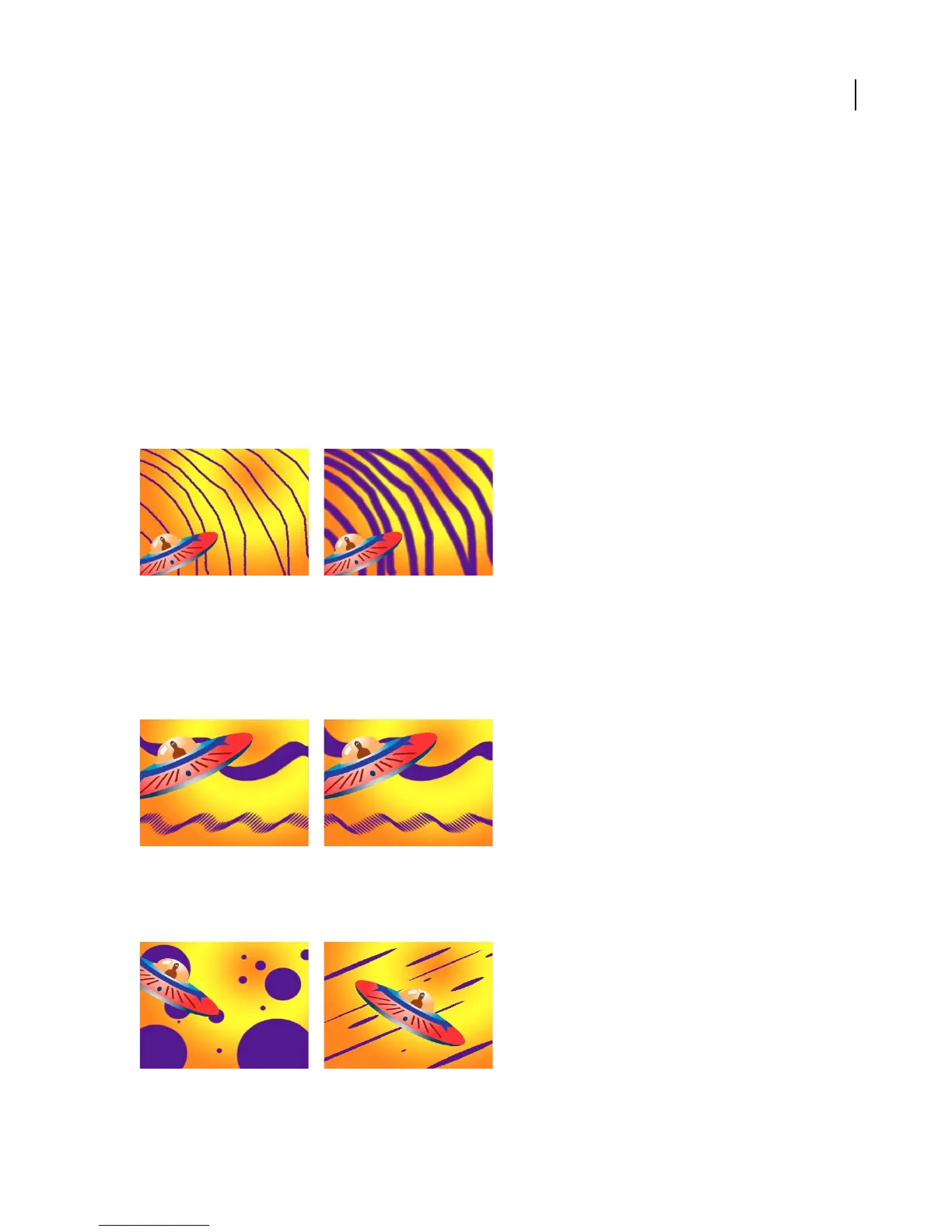
Diameter Controls the size of the brush. Enter a value in pixels or drag a new value.
Strokes with low diameter values (left) and high diameter values (right)
Angle Specifiestheanglebywhichanellipticalbrush’slongaxisisrotatedfromhorizontal.Enteravalueindegrees
or drag a new value.
Note: Brush tip angles can be expressed in both positive and negative values. For example, a brush tip with a 45º angle
is equivalent to a brush tip with a -135º angle.
Angled brushes create chiseled strokes: 45-degree brush (left), and -45-degree brush (right).
Roundness Specifies the ratio between the brush’s short and long axes. A value of 100% indicates a circular brush, a
value of 0% indicates a linear brush, and intermediate values indicate elliptical brushes.
Brush strokes using 100-percent roundness (left) and varying percentages (right)



 To Next Page