ADOBE AFTER EFFECTS 7.0
User Guide
10
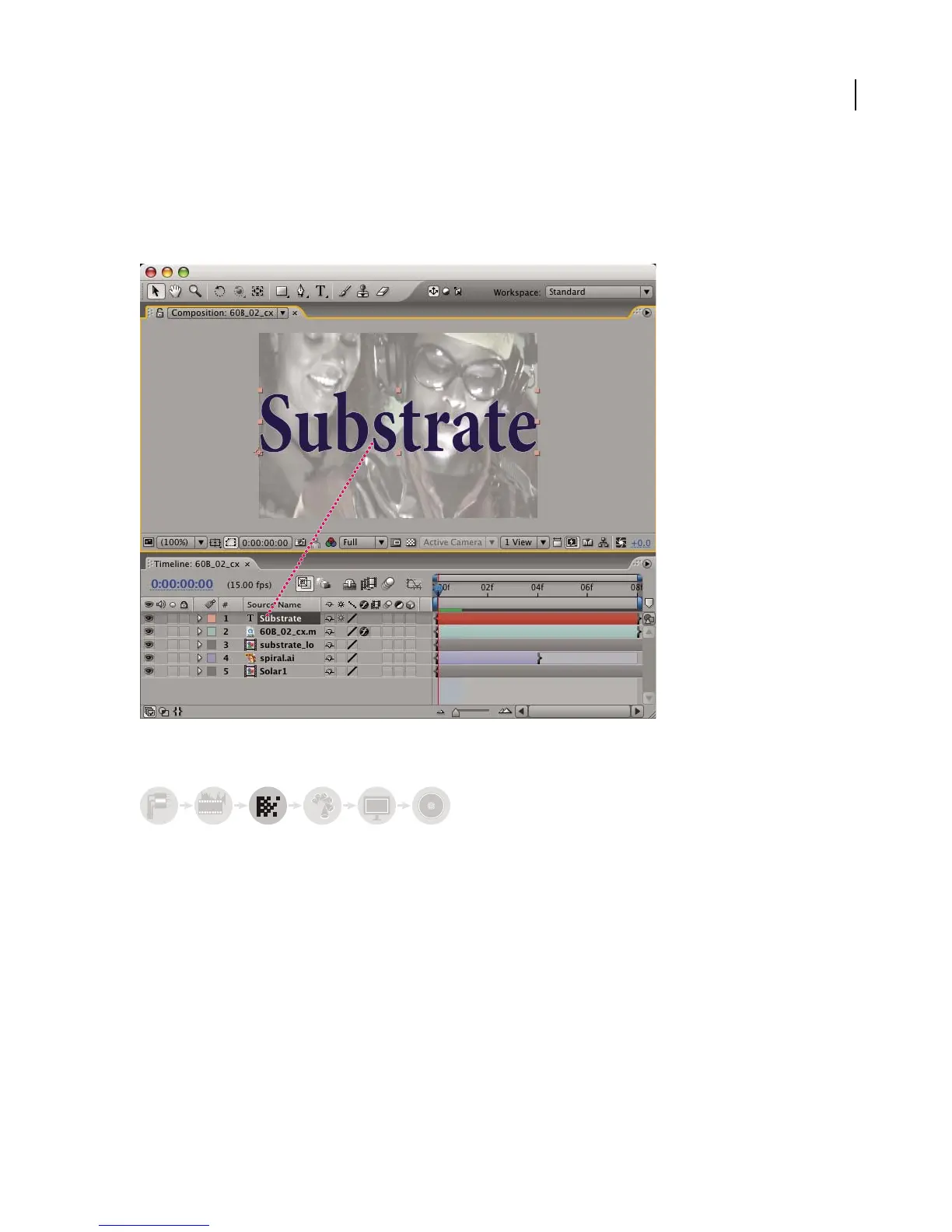
Create one or more compositions. Any footage item can become one or more layers in a composition. You can
arrange the layers spatially in the Composition panel or arrange them in time using the Timeline panel. You can stack
layers in two dimensions or arrange them in three, using 3D light sources and camera views. You can use masks,
blending modes, and keying tools, to composite, or combine the images of multiple layers. For more information, see
“About compositions” on page 109 and “About layers” on page 149.
Work with layers in Timeline panel
Add effects and modify layer properties
You can add any combination of effects and modify any of a layer’s properties, such as size, placement, and opacity.
Using effects, you can alter a layer’s appearance or sound, and even generate visual elements from scratch. You can
apply any of the hundreds of effects included with After Effects, or create and reuse your own. For more information,
see “About effects” on page 348.
abcabc



 To Next Page