ADOBE AFTER EFFECTS 7.0
User Guide
127
To copy from After Effects to Adobe Premiere Pro (Windows only)
1 Start Adobe Premiere Pro (you must do this before you copy the layer in After Effects).
2 Select a layer from the After Effects Timeline panel.
3 Choose Edit > Copy.
4 In Adobe Premiere Pro, open a sequence in the Timeline panel.
5 Move the current-time indicator to the desired location, and choose either Edit > Paste or Edit > Paste Insert.
Note: YoucancopymultiplelayersintoAdobePremierePro.Eachlayerisplacedonaseparatetrack.Theorderinwhich
AdobePremiereProplacesthelayersdependsontheorderinwhichyouselectedtheminAfterEffects;thelast-selected
layer appears on Track 1 of the Adobe Premiere Pro sequence. For example, if you select layers from top to bottom, the
layers appear in the reverse order in Adobe Premiere Pro, with the bottommost layer on Track 1.
Copying from Adobe Premiere Pro to After Effects (Windows only)
You can copy a video or audio asset from an Adobe Premiere Pro sequence and paste it into an After Effects compo-
sition.AfterEffectsconvertsassetstocompositionlayersandcopiesthesourcefootageintotheAfterEffectsProject
panel. If the asset contains an effect that is also used by After Effects, After Effects converts the effect and all of its
settings and keyframes.
You can copy color mattes, stills, nested sequences, and offline files into After Effects. After Effects converts color
mattes into solid layers and nested sequences into nested compositions. When you copy a Photoshop still into After
Effects, After Effects retains the Photoshop layer information. After Effects converts titles to solid layers.
When you paste an asset into an After Effects composition, keyframes, effects, and other properties contained in a
copied asset are converted as follows:
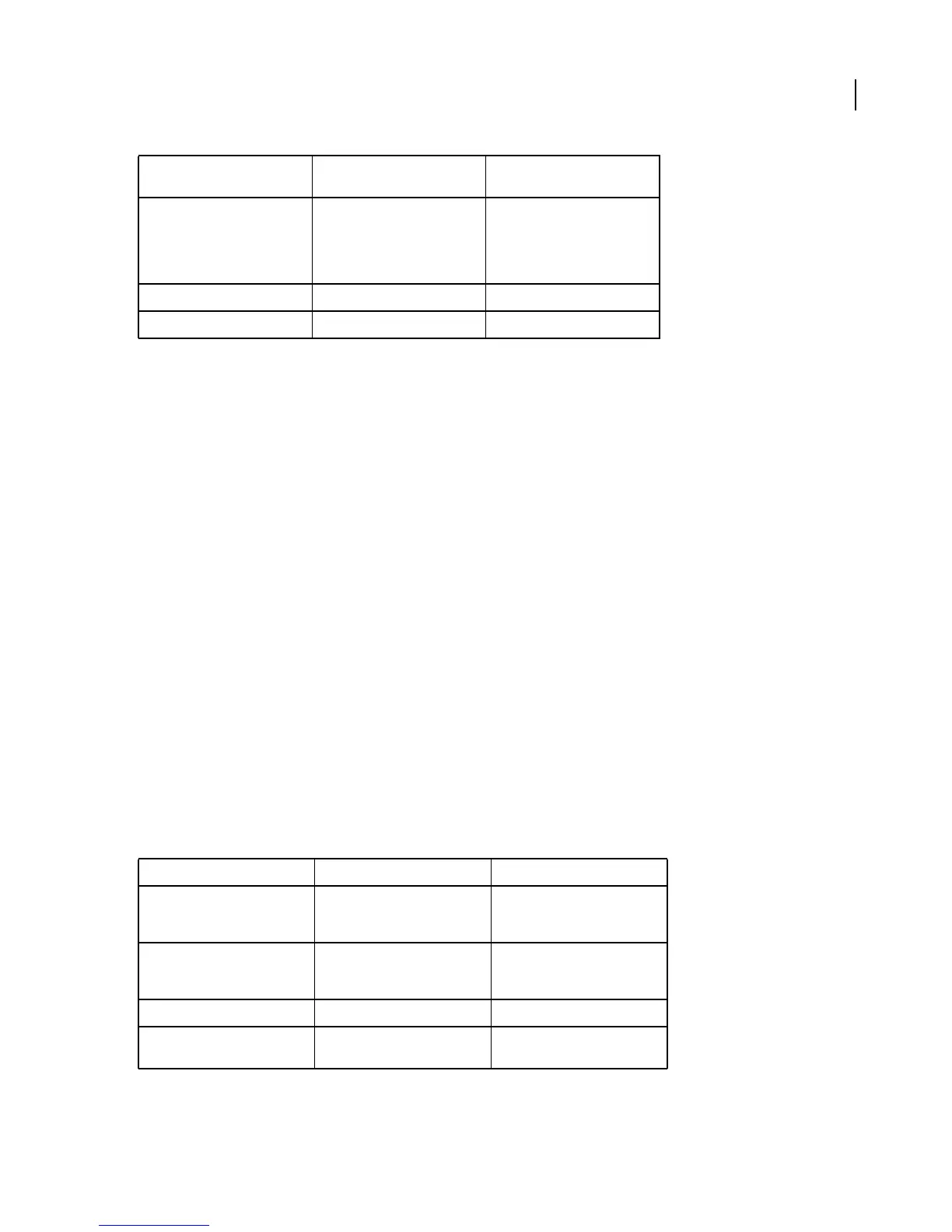
Time Stretch property Speed property Speed and time stretch have an
inverse relationship. For example,
200% stretch in After Effects
converts to 50% speed in Adobe
Premiere Pro.
Layer-time markers Not converted
Blending modes Not converted
Adobe Premiere Pro asset Converted to in After Effects Notes
Motion or Opacity values and
keyframes
Transform property values and
keyframes
Keyframe type—Bezier, Auto
Bezier, Continuous Bezier, or
Hold—is retained.
Video filter properties and
keyframes
Effect properties and keyframes, as
long as the effect also exists in
After Effects
After Effects doesn’t display
unsupported effects in the Effect
Controls panel.
Crop filter Mask layer
Video and audio transitions Opacity keyframes (Cross dissolve
only) or solids
After Effects item Converted to in Adobe Premiere
Pro
Notes



 To Next Page