ADOBE AFTER EFFECTS 7.0
User Guide
465
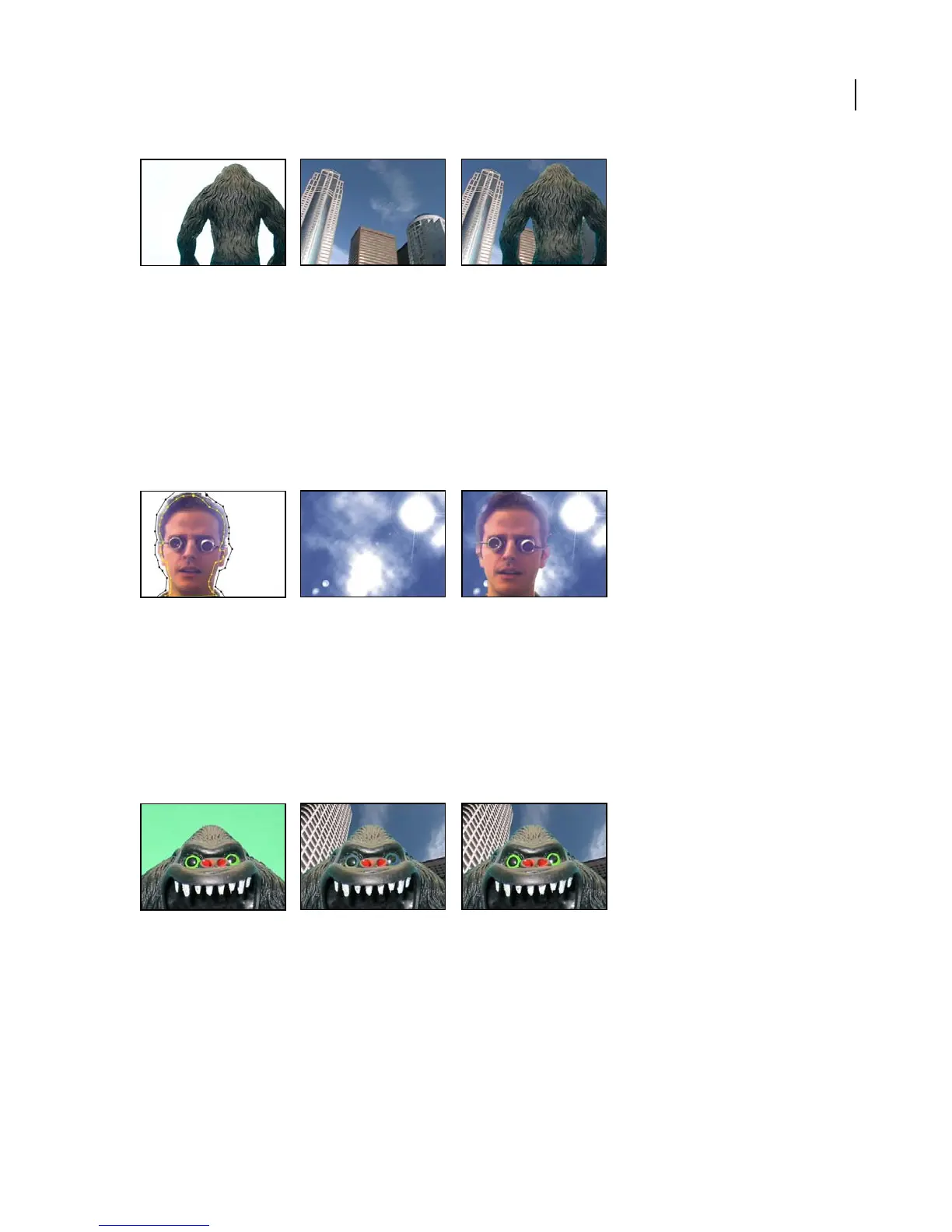
Original (left) and background layer (center) are combined using Extract (right).
See also
“To use the Extract effect” on page 276
Inner/Outer Key effect (Pro only)
The Inner/Outer Key effect isolates a foreground object from its background. Even objects with wispy, intricate, or
undefinable edges can be clipped from their backgrounds with minimal work.
This effect works with 8-bpc and 16-bpc color.
The original masked layer (left) and the background layer (center) are combined using Inner/Outer Key (right).
See also
“To use the Inner/Outer Key effect” on page 277
Linear Color Key effect
The Linear Color Key effect uses RGB, hue, or chroma information to create transparency from a specified key color.
This effect works with 8-bpc and 16-bpc color.
Featuressuchastheseeyes(left)thatcloselymatchthebackground(center)canbecometransparentwhenusingkeys;LinearKeykeepsthem
opaque with the Keep This Color control (right).
See also
“To apply the Linear Color Key effect” on page 271
“To preserve a color after applying Linear Color Key” on page 273



 To Next Page