ADOBE AFTER EFFECTS 7.0
User Guide
527
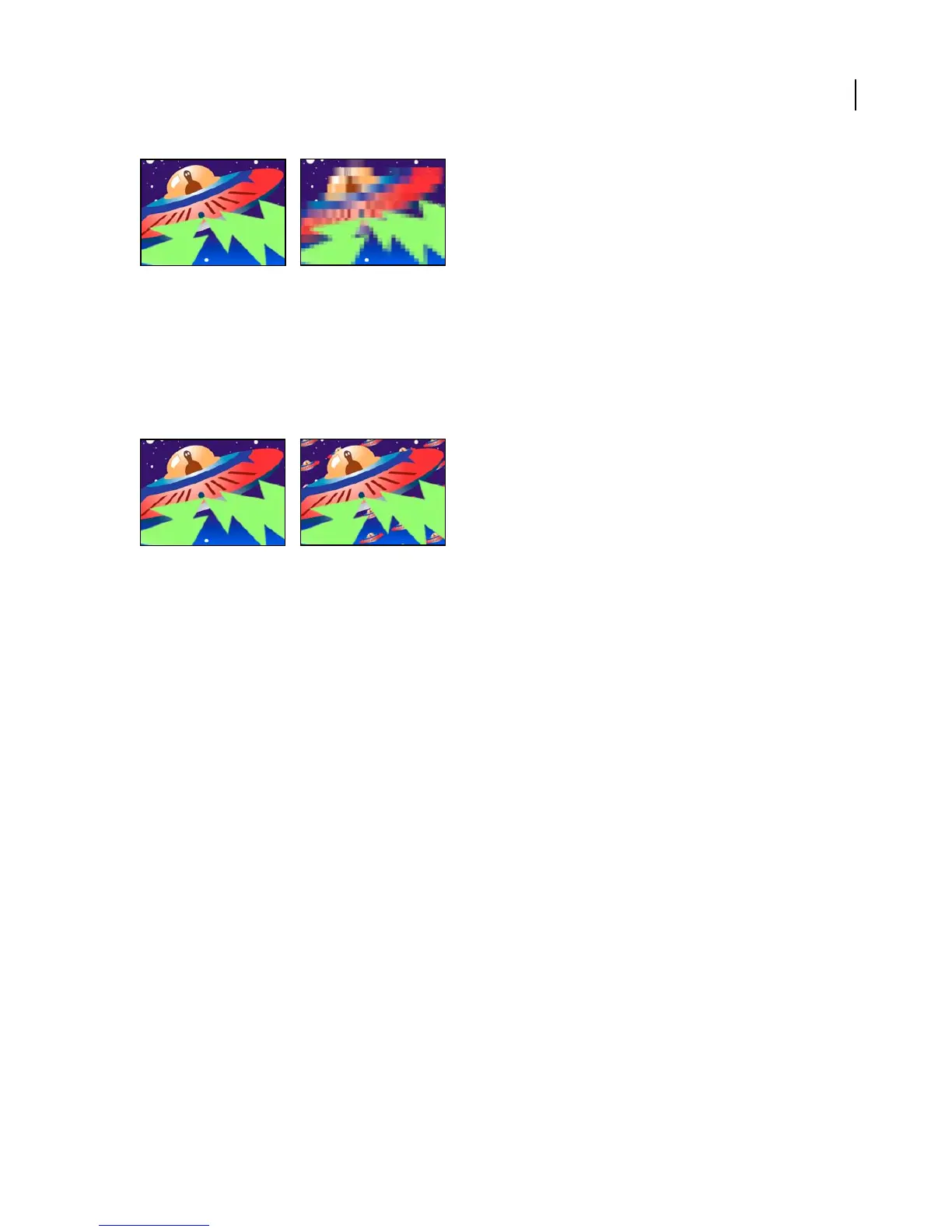
Original (left), and with effect applied (right)
Motion Tile effect
The Motion Tile effect replicates the source image across the output image. It is called Motion Tile because, when
changing the placement of the tiles, it uses motion blur to accentuate the movement if motion blur is enabled. Tile
Center controls the position of the main tile.
This effect works with 8-bpc color.
Original (left), and with effect applied (right)
Adjust the following controls for the Motion Tile effect:
Tile Center Specifies the area on the layer that becomes the center of the tile.
Tile Width, Tile Height Specify the size of the tiles as a percentage of the input.
Output Width, Output Height Specify the size of the output image, or modified layer, as a percentage of the input.
Mirror Edges When Phase is set to 0, selecting this causes the edges of the layer to be mirrored with the surrounding
tiles.
Phase Controls the horizontal or vertical shift of the tiles that are adjacent to the main tile.
Horizontal Phase Shift Applies horizontal shifting to the tiles instead of vertical shifting.
Posterize effect
The Posterize effect lets you specify the number of tonal levels (or brightness values) for each channel in an image.
Posterize then maps pixels to the closest matching level. For example, choosing two tonal levels in an RGB image
gives you two tones for red, two tones for green, and two tones for blue. Values range from 2 to 255. Although the
resultsofthiseffectaremostevidentwhenyoureducethenumberofgraylevelsinagrayscaleimage,Posterizealso
produces interesting effects in color images.
Use Level to adjust the number of tonal levels for each channel to which Posterize will map existing colors.
This effect works with 8-bpc and 16-bpc color.



 To Next Page