9
Chapter 2: Workflow and workspace
Workflow and workspace basics
Workflow overview
Whether you use Adobe After Effects to animate a simple title or create complex special effects, you generally follow
the same basic workflow. The After Effects 7.0 interface facilitates your work and adapts to each stage of the process.
After Effects workflow
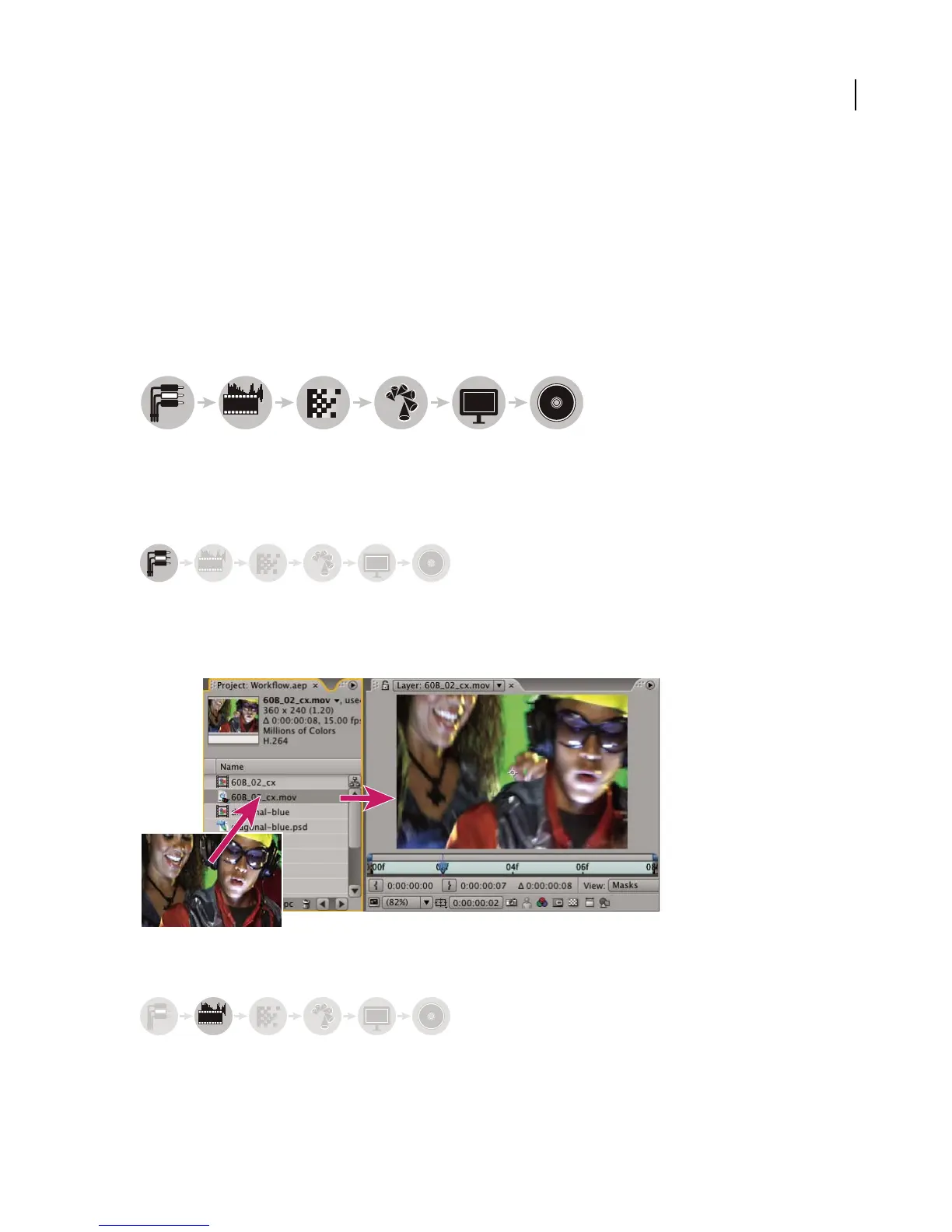
1 Import and organize footage 2 Create compositions and arrange layers 3 Add effects and modify layer properties 4 Animate 5 Preview your
work 6 Export
Import and organize footage
After you start a project, add your footage to the Project panel. After Effects automatically interprets many common
media formats, but you may also specify how you want After Effects to interpret attributes such as frame rate and
pixel aspect ratio. You can open and view each item in a Footage panel and set its start and end times to fit your
composition. For more information, see “Working with imported files” on page 68.
Imported footage initially appears in Project panel
Create compositions and arrange layers
abcabc
1234
5
6
abcabc
abcabc



 To Next Page