ADOBE AFTER EFFECTS 7.0
User Guide
164
• To remove the section from all unlocked layers, choose Edit > Extract Work Area. The gap is closed by ripple
deletion.
Markers
About markers
Use composition-time markers and layer-time markers to mark important points in a composition or in a specific
layer. Composition-time markers are numbered, whereas layer-time markers use specified text labels. Markers also
make it easier to align layers or the current-time indicator with specific points in time: You can snap items to markers
when you drag them in the Timeline panel by holding down Shift as you drag.
Layer-time markers can also include a comment,aweb link,orachapter link. Comments appear only in the Timeline
panel. Web links initiate a jump to a web page in your browser. Chapter links initiate a jump to a chapter in a
QuickTime movie or in other formats that support chapter markers.
Composition-time markers appear on the time ruler in the Timeline panel. After Effects automatically numbers
them with a single digit that reflects the order in which you add them. You can place up to ten composition-time
markers within a composition. If you remove a marker, the other markers remain numbered as they were.
You can use layer-time markers to mark important points in a specific layer, to display comments in the Timeline
panel, and to link to a movie chapter or web page. After Effects lets you set the marker’s position in time and retains
layer-time markers when you render output to the AVI or QuickTime format.
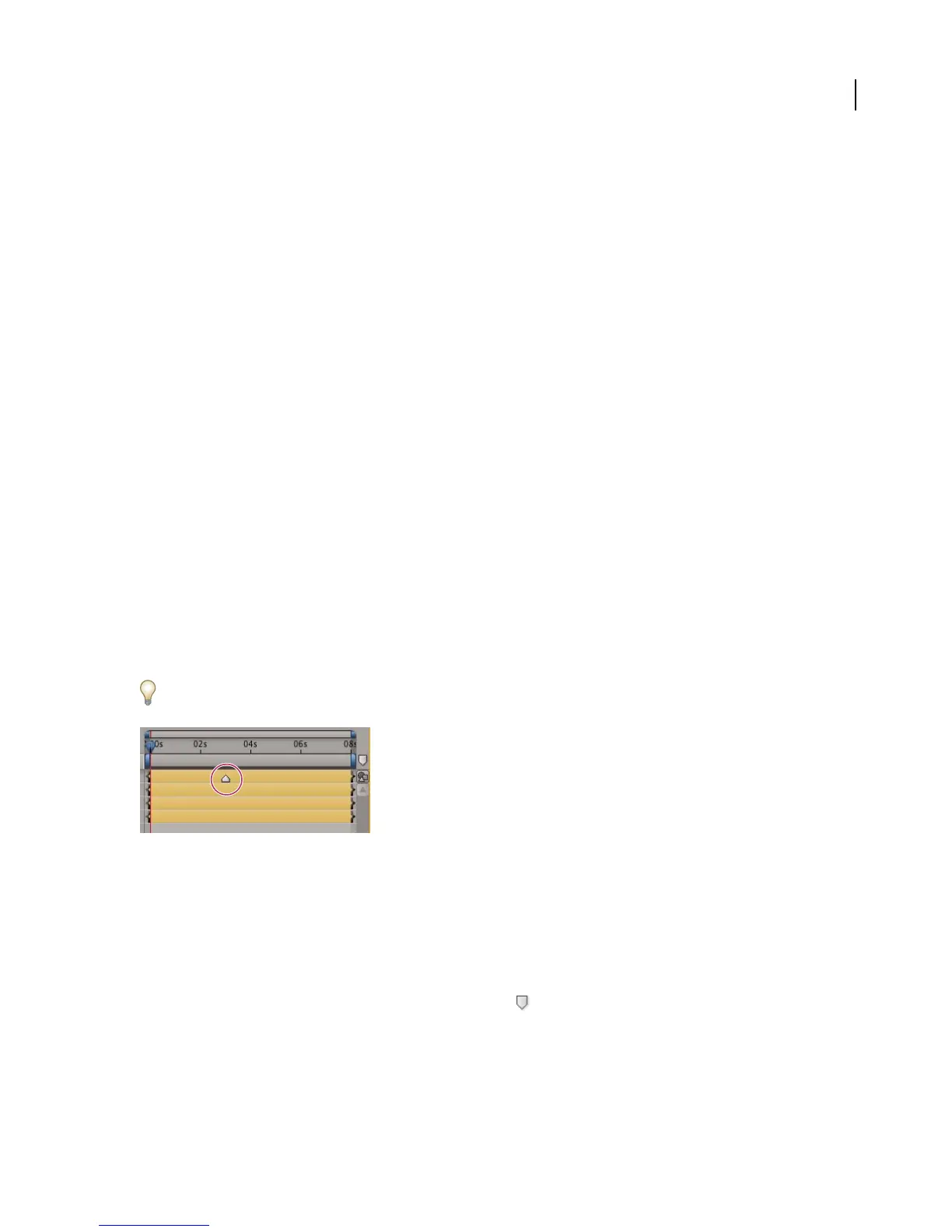
Layer-time markers appear as small triangles on a layer-duration bar. You can have any number of layer-time
markers in a layer. You can also drag existing markers to new time locations or remove them, as needed. You can
double-click the layer-time marker at any time to view or modify its attributes.
Adobe Encore DVD can read chapter references in After Effects layer-time markers when you export to the AVI or
MPEG-2 file format. To be compatible with DVDs, make sure that markers are at least 15 frames apart.
Layer-time marker
Note: To snap the current-time indicator or layer duration bars to a marker, Shift-drag the current-time indicator or a
layer duration bar.
To add a composition-time marker
Do one of the following:
• Drag a composition-time marker from the Comp marker bin to the desired point in the composition.



 To Next Page