ADOBE AFTER EFFECTS 7.0
User Guide
452
Width Specifies the horizontal width of the grid cells. If you choose Width Slider in the Size From menu, this value
specifies both the width and height of the grid cells. If you choose Width & Height Sliders in the Size From menu,
this value specifies the width only.
Height Specifies the height of the Grid cells when you choose Width & Height Sliders in the Size From menu.
Border Specifies the border thickness of the grid. A Border value of 0 causes the grid to disappear.
Note: The anti-aliasing of the grid borders may cause the visible thickness to vary by one pixel.
Feather Specifies the softness of the grid. You can set Width and Height amounts individually, or set both to the
same amount for a uniform feather on all edges. The maximum width value is 20 pixels; the maximum height value
is 400 pixels.
Invert Grid Inverts the transparent and opaque areas of the grid.
Color Specifies the RGB color values of the grid.
Opacity Specifies the opacity of the grid.
Blending Mode Specifies how the grid interacts with the original layer.
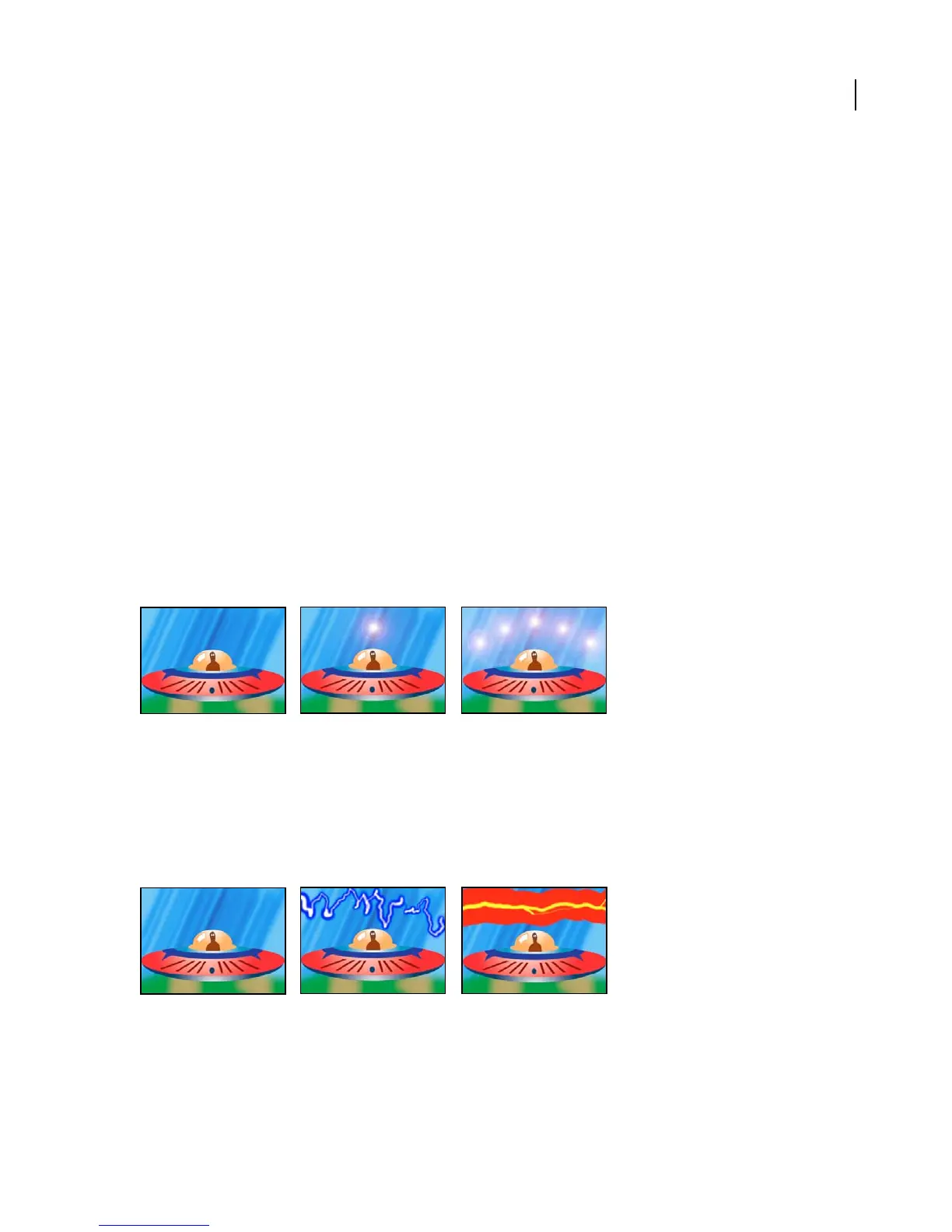
Lens Flare effect
The Lens Flare effect simulates the refraction caused by shining a bright light into the camera lens. Specify a location
for the center of the flare by clicking anywhere inside the image thumbnail or by dragging its crosshair.
This effect works with 8-bpc color.
A single lens flare (center) and multiple lens flares (right)
Lightning effect
The Lightning effect creates lightning bolts and other electrical effects, including a Jacob’s Ladder effect (as seen in
oldhorrormovies)betweentwospecifiedpointsinalayer.Thiseffectisautomaticallyanimatedwithoutkeyframes
across the time range. Use The Wiggler to add randomness to the lightning bolt.
This effect works with 8-bpc color.
Variations in thickness, color, and number of branches (center and right)
Adjust the following controls for the Lightning effect:
Start Point, End Point Specify where the lightning begins and ends.



 To Next Page