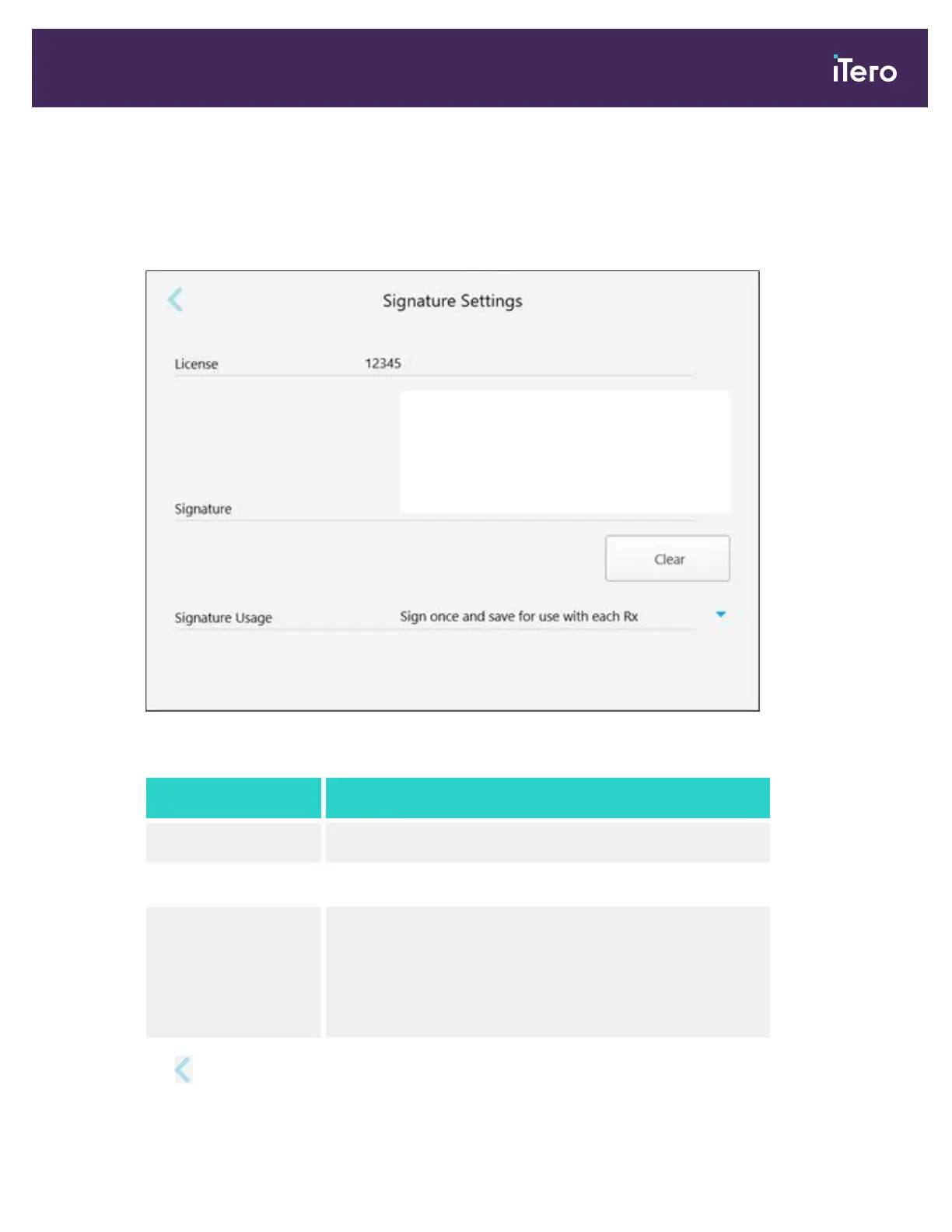
4.6.2.4 Defining the signature settings
You can define the default settings that are displayed when sending an order to the lab.
To define the signatures settings:
1. Tap the Signature Settings button.
Figure 69: Signature Settings window
2. Define the default signature settings.
Signature setting Signature options
License Add your license number.
Signature Add your signature.
Signature Usage Select one of the following signature options:
l
Sign once and save for use with each Rx
l
Do not save my signature (requires a signature for each Rx)
l
Disable this function (for this user only)
3.
Tap to save the changes and return to the Settings window.
iTero Element 5D and iTero Element 5D Plus imaging systems User manual
© 2022 Align Technology, Inc. All rights reserved. 75



 To Next Page