10.5 Editing tools
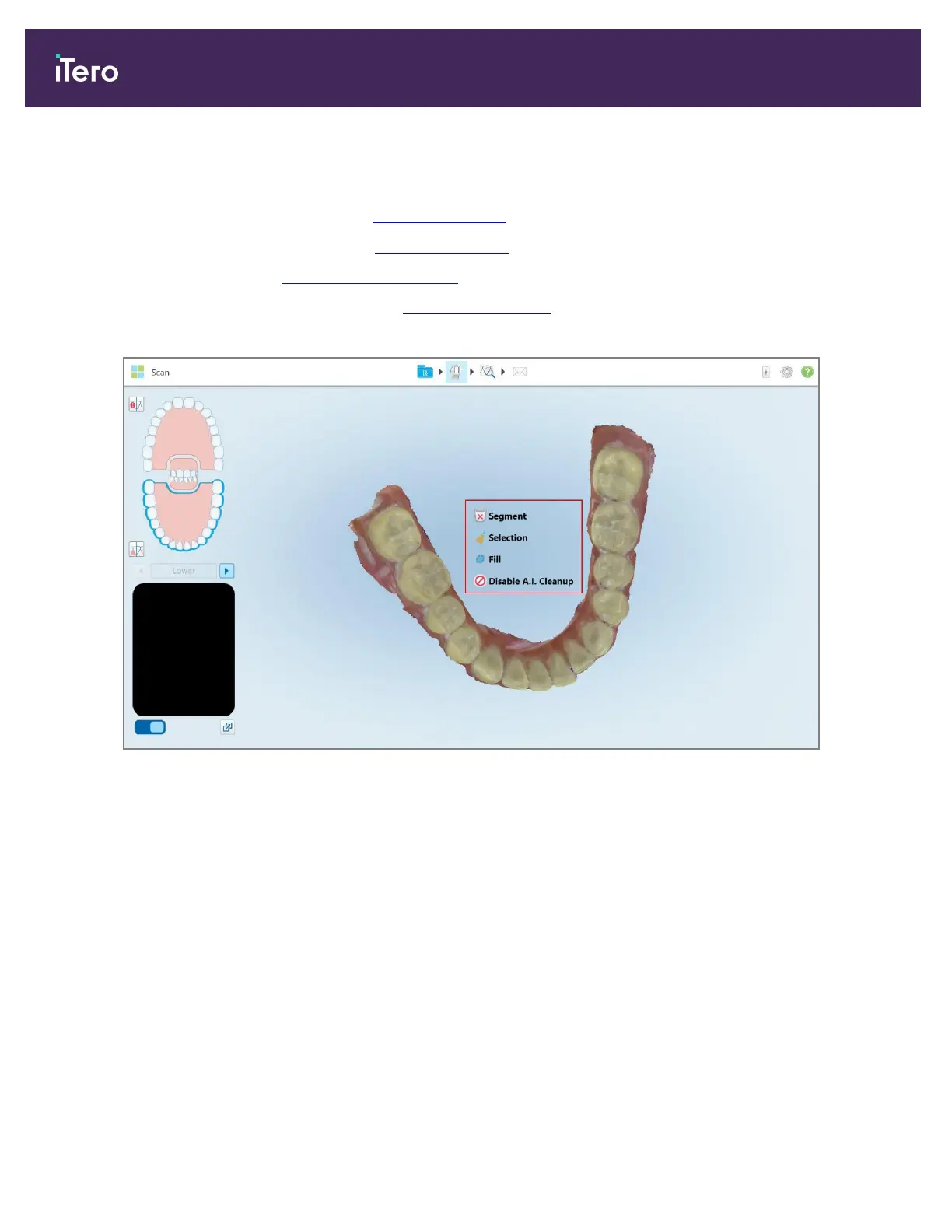
After you have scanned the model, you can edit it using the following tools:
l
Delete Segment tool, described in Deleting a segment
l
Delete Selection tool, described in Deleting a selection
l
Fill tool, described in Filling in missing anatomy
l
Disable A.I. Cleanup tool, described in Disabling A.I. cleanup
The editing tools are accessed by pressing on the screen.
Figure 148: Editing tools
10.5.1 Deleting a segment
The Delete Segment tool enables you to delete the entire scanned segment.
To delete the segment:
1. Press the screen to display the editing tools.
iTero Element 5D and iTero Element 5D Plus imaging systems User manual
144 © 2022 Align Technology, Inc. All rights reserved.



 To Next Page