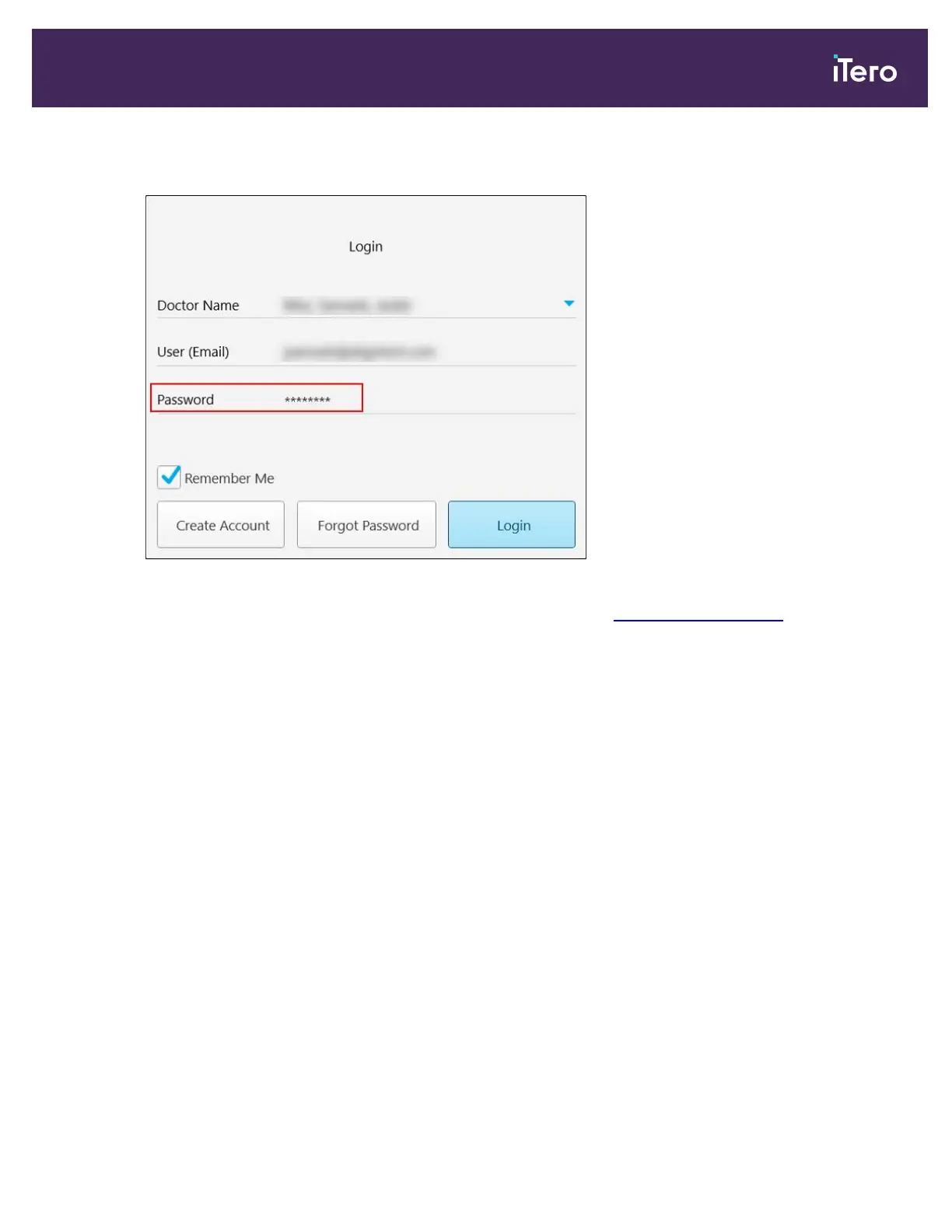
The text is masked as asterisks.
Figure 39: Password is masked
If you have forgotten your password, you can reset it, as described in Resetting your password.
4. Select the Remember Me check box for the system to remember your email address in future sessions. You
will still need to enter your password in order to access the scanner.
5. Tap Login.
iTero Element 5D and iTero Element 5D Plus imaging systems User manual
© 2022 Align Technology, Inc. All rights reserved. 47



 To Next Page