Scan setting Scan options
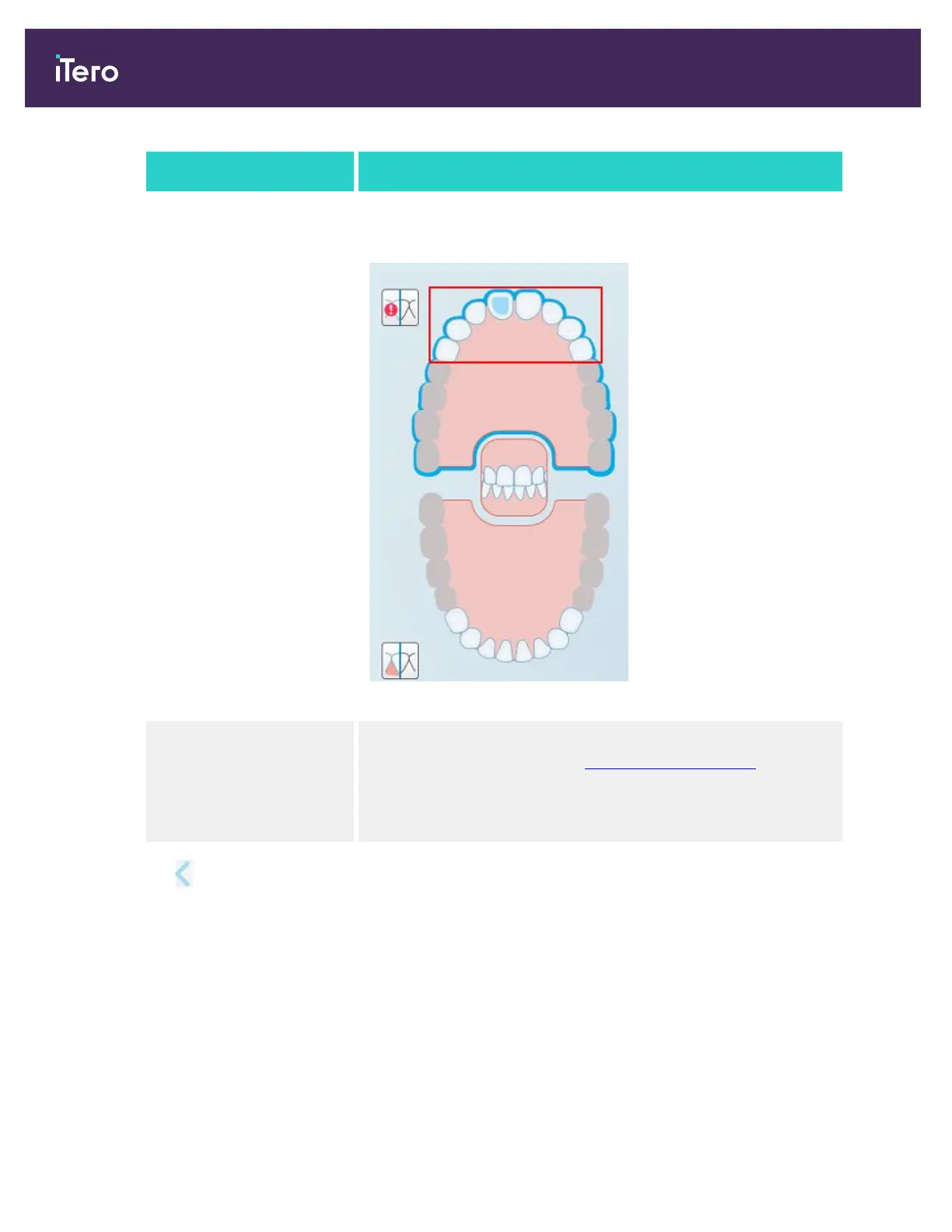
Highlight recommended
scanning range check box
Select this check box to highlight only the scanning range on the
navigation controls.
Figure 64: Only scanning range is highlighted
Additional Scan Feedback Select the relevant check boxes to display areas of missing anatomy
while scanning, as described in Additional scan feedback.
l
Orthodontic
l
Restorative
3.
Tap to save the changes and return to the Settings window.
iTero Element 5D and iTero Element 5D Plus imaging systems User manual
70 © 2022 Align Technology, Inc. All rights reserved.



 To Next Page