Disinfection
1. Using CaviWipes1, thoroughly dampen all external surfaces of the wand body and wand tip, including the
optical surface and ensure they remain wet for a minimum of one (1) minute.
Note: Use multiple fresh wipes, as necessary, to keep the wand surfaces wet for the full one (1) minute contact
time.
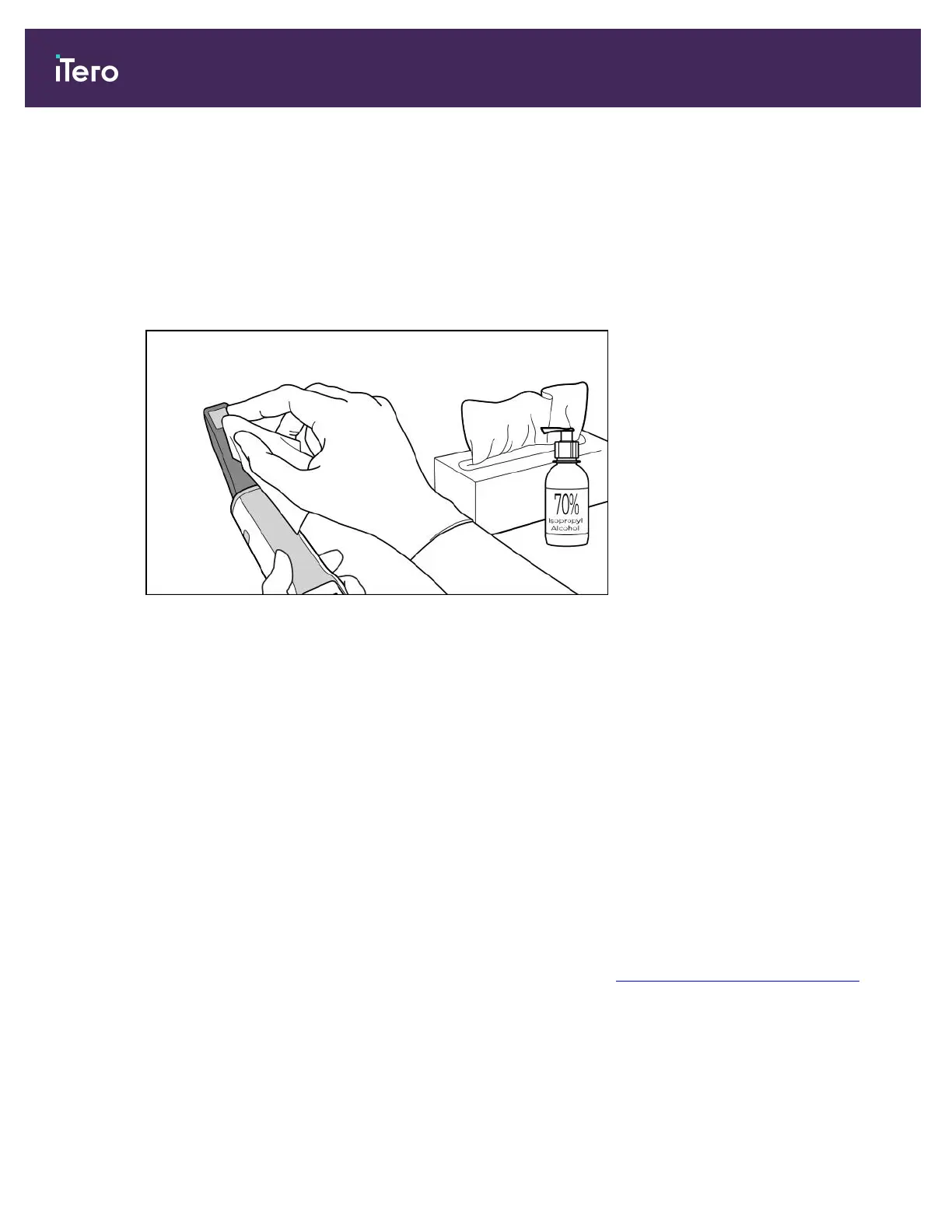
2. Using lint-free wipe(s) wetted (but not dripping) with 70% Isopropyl Alcohol (IPA), thoroughly wipe the optical
surface of the wand one (1) time until visibly clean.
Figure 205: Wipe the optical surface of the wand with IPA
3. Wait until the optical surface dries (approximately 5–10 seconds).
4. Remove any residue from the optical surface using a dry lint-free wipe.
11.2.3 Drying – wand body
Air-dry the disinfected wand at room temperature.
11.2.4 Storage and maintenance
1. Visually inspect the wand for any noticeable damage, for example, deterioration such as corrosion,
discoloration, pitting, or cracks. Pay special attention to the optical surface, making sure it remains clean.
Warning: Do not use the wand if any damage is detected. Please contact iTero Support for further instructions.
2. Place the blue protective sleeve on the wand tip.
3. Place the wand in the cleaned and disinfected cradle, as described in Cleaning and disinfecting the cradle,
below.
4. If you have a mobile or laptop configuration scanner, store the wand in the carrying case when not in use.
iTero Element 5D and iTero Element 5D Plus imaging systems User manual
186 © 2022 Align Technology, Inc. All rights reserved.



 To Next Page