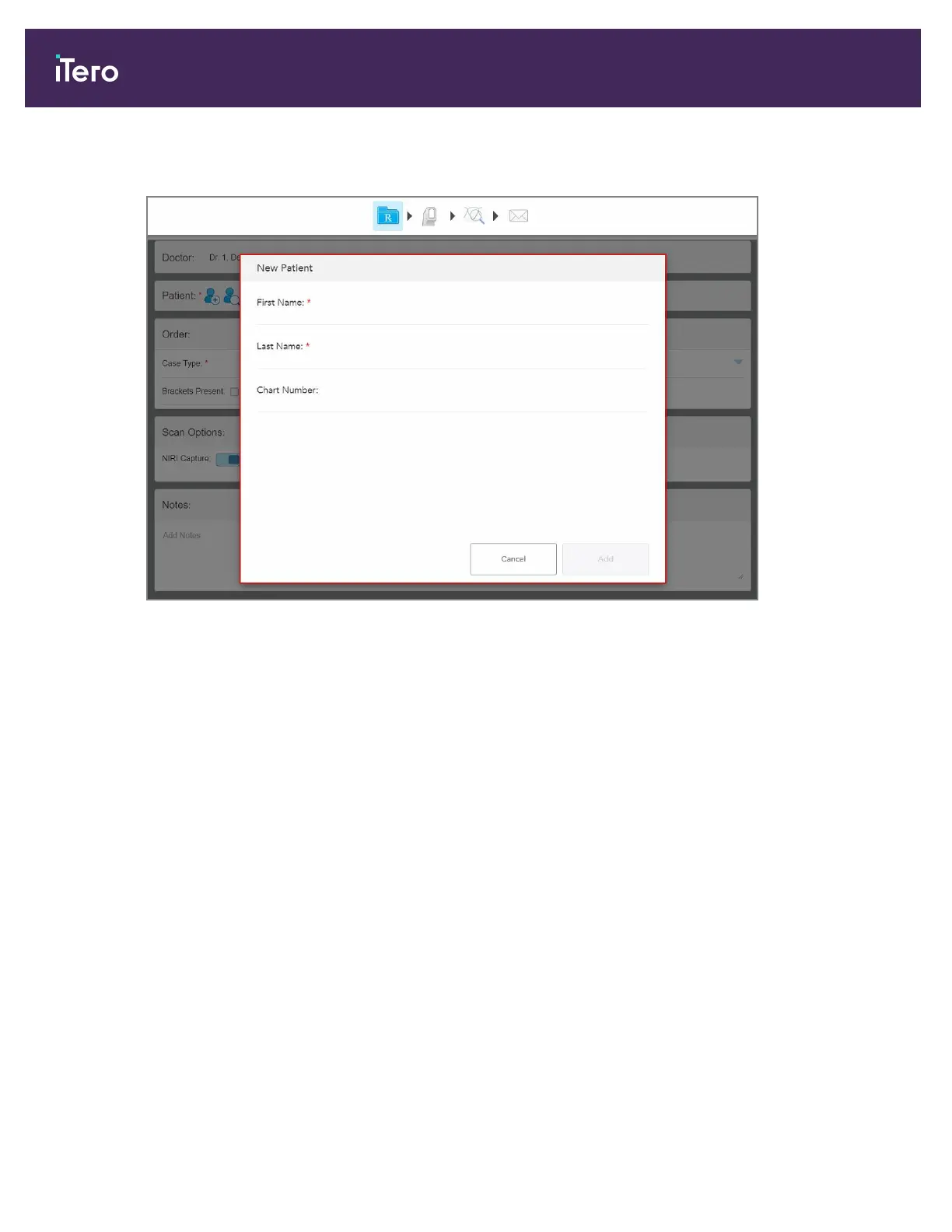
The New Patient window is displayed.
Figure 80: New Patient window
2. Enter the patient’s first name and last name.
3. If required, enter a chart number.
4. Tap Add to add the new patient.
iTero Element 5D and iTero Element 5D Plus imaging systems User manual
86 © 2022 Align Technology, Inc. All rights reserved.



 To Next Page