6.
Tap to save the selection and return to the New Scan window.
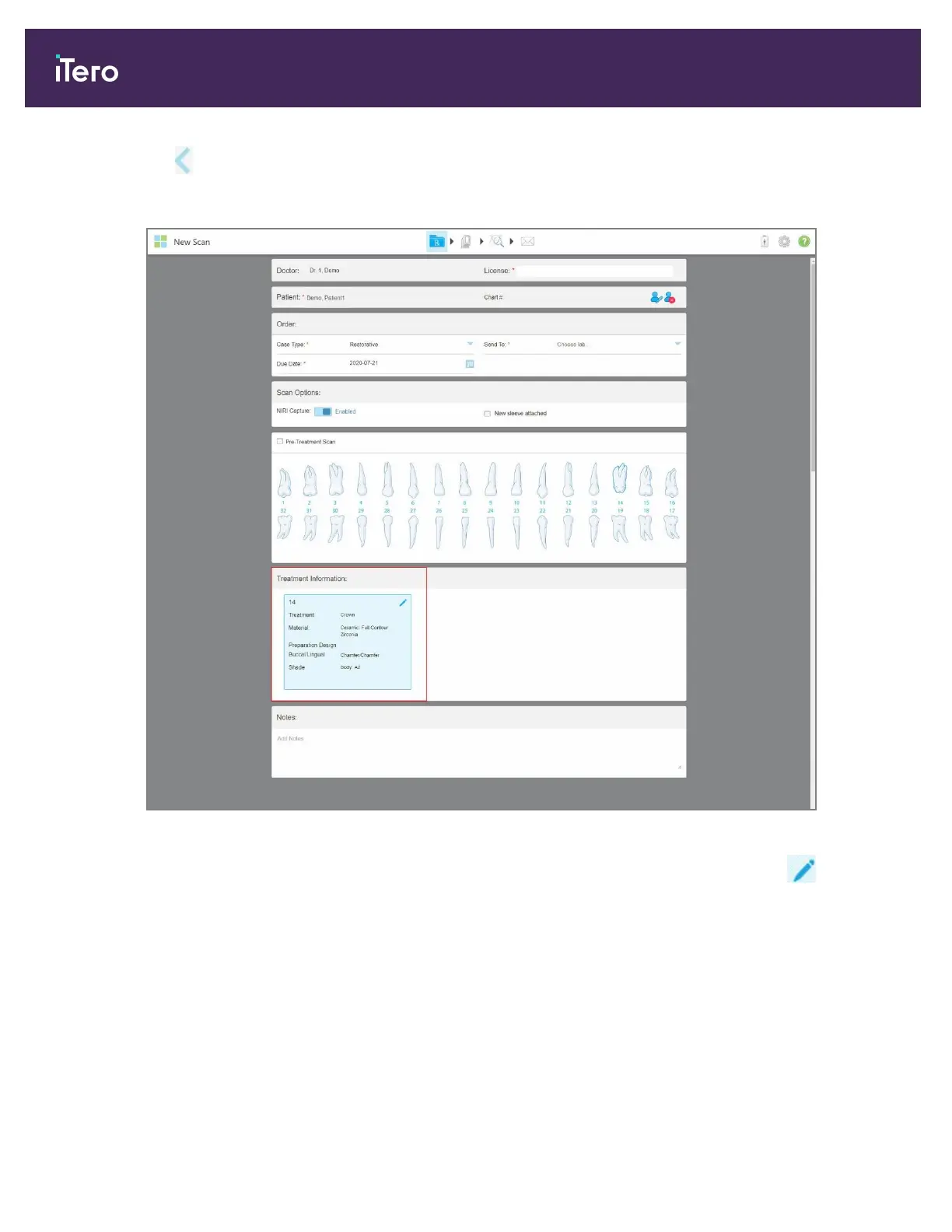
The selected treatment options are displayed in the Treatment Information area.
Figure 99: Treatment Information area
You can change the selected treatment options at any time before sending the scan by tapping .
iTero Element 5D and iTero Element 5D Plus imaging systems User manual
102 © 2022 Align Technology, Inc. All rights reserved.



 To Next Page