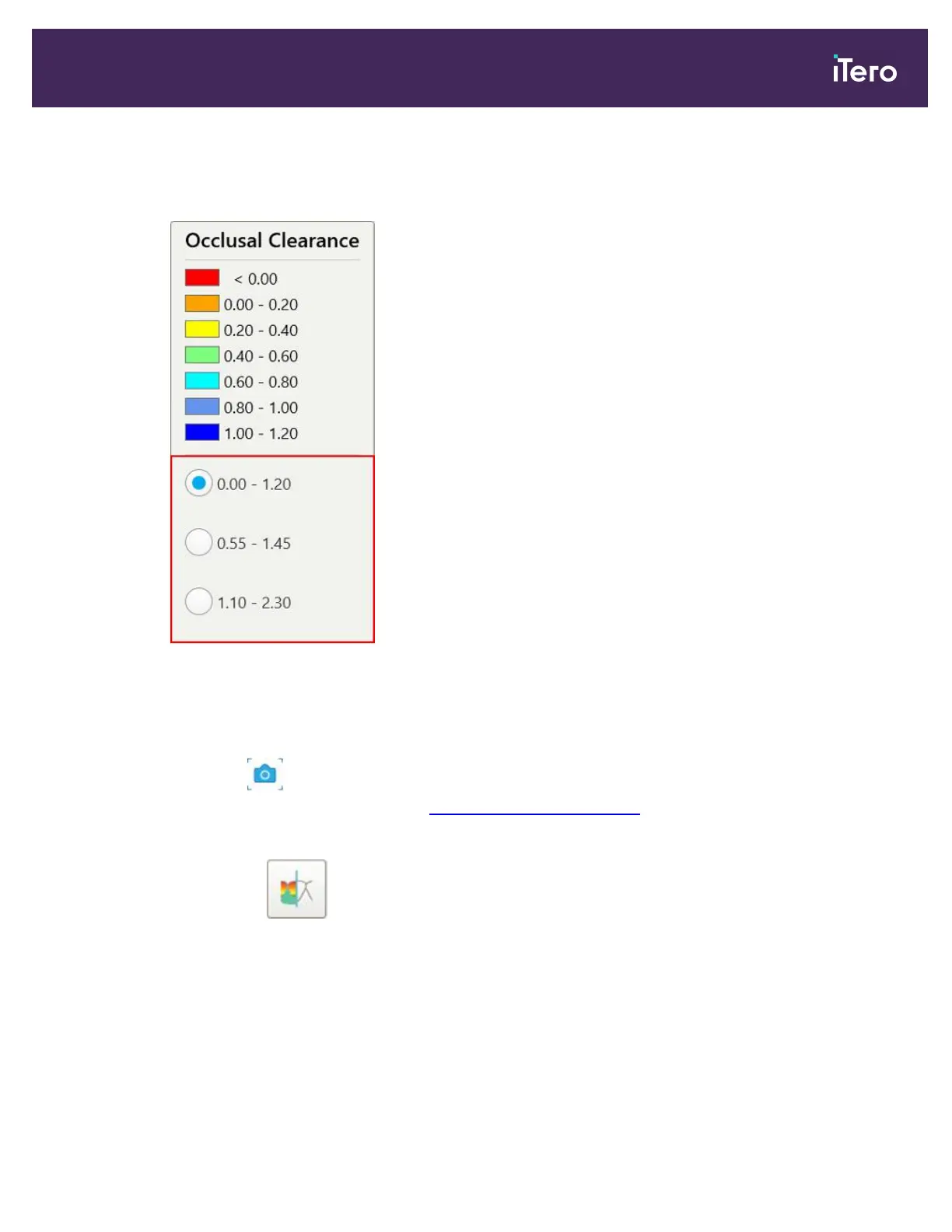
a. On the legend, tap Scale.
The legend is expanded to display a list of range options.
Figure 163: Occlusal Clearance range options
b. Select the required scale.
c. The occlusal clearance is displayed according to the new scale.
4.
If required, tap to take a screenshot of the occlusal clearance. For more information on capturing
screenshots and adding annotations, see Working with the Snapshot tool.
To display the occlusal clearance from the Viewer:
1.
In the Viewer, tap .
2. Select the arch for which to display the occlusal clearance.
iTero Element 5D and iTero Element 5D Plus imaging systems User manual
© 2022 Align Technology, Inc. All rights reserved. 155



 To Next Page