4.6.3.4 System information
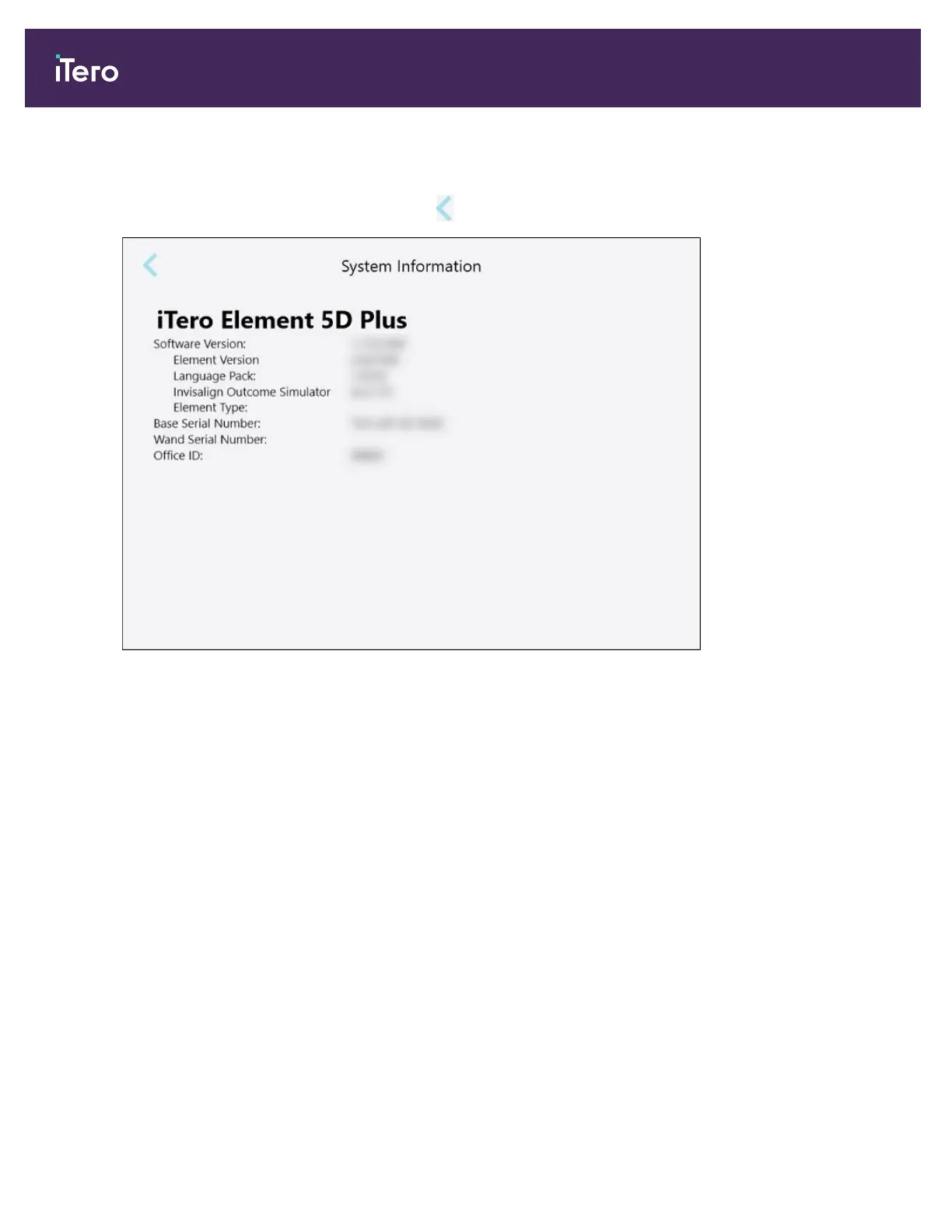
Tap the System Information button to view details about the software versions currently installed and the
hardware serial numbers and ID, and then tap to return to the Settings window.
Figure 74: System Information window – iTero Element 5D Plus
4.6.3.5 Sync configuration
Tap the Sync Configuration button to synchronize any new updates from the server, for example, new software
options.
4.6.3.6 Export settings
You can define how long exported files should be kept before being deleted. In addition, you can view the local
network address of the exported files, in boldface letters (starting with “\\”). This address is accessible from any
computer within the local network.
Note: If required, you can export the files at any time from MyiTero.
iTero Element 5D and iTero Element 5D Plus imaging systems User manual
80 © 2022 Align Technology, Inc. All rights reserved.



 To Next Page