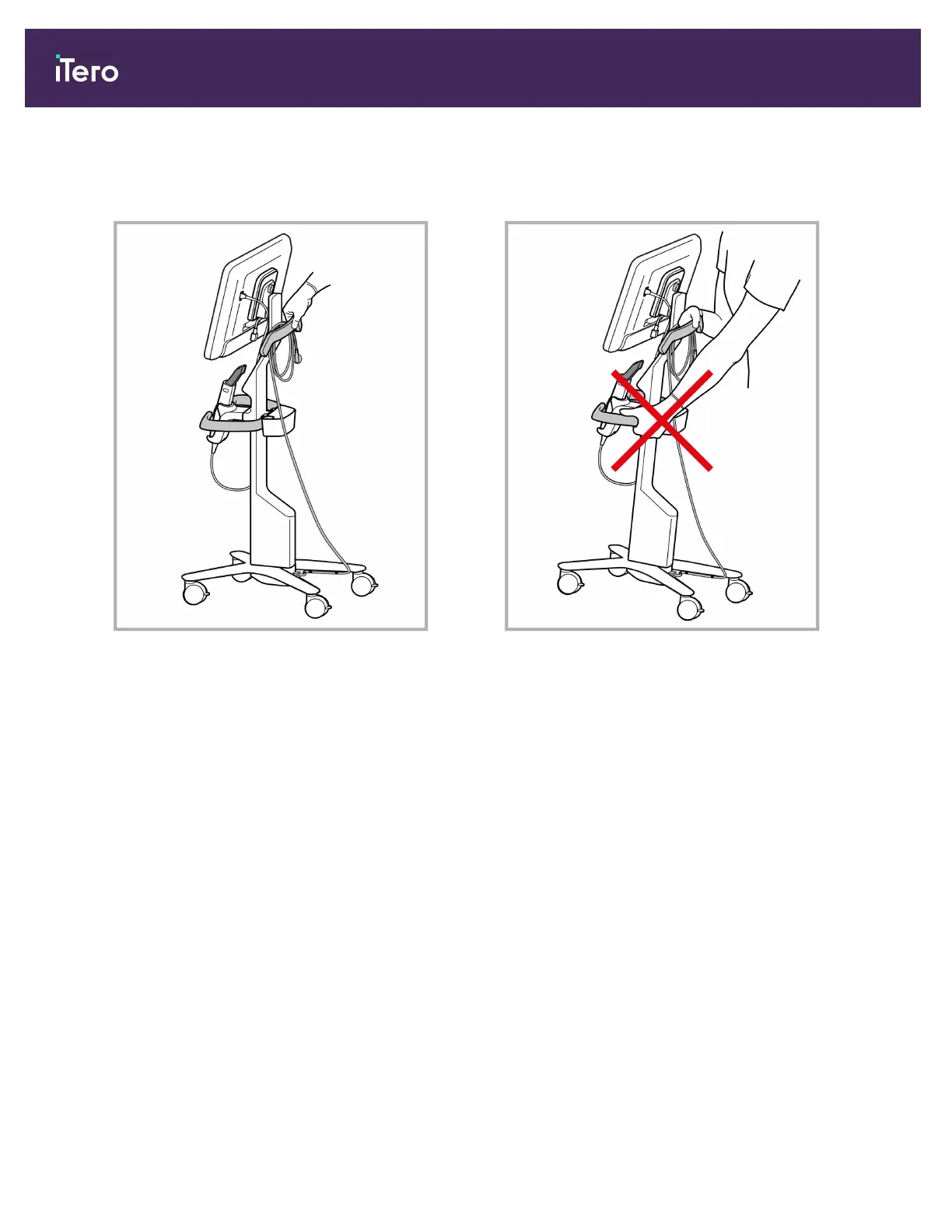
When moving the scanner, carefully wrap the power
cable around the upper handle and then use the upper
handle to push the scanner.
If the scanner needs to be lifted, use the upper handle
and the post.
Do not use the main handle to lift the scanner.
Figure 15: Moving the scanner Figure 16: Do not lift the scanner using the main handle
iTero Element 5D and iTero Element 5D Plus imaging systems User manual
24 © 2022 Align Technology, Inc. All rights reserved.



 To Next Page