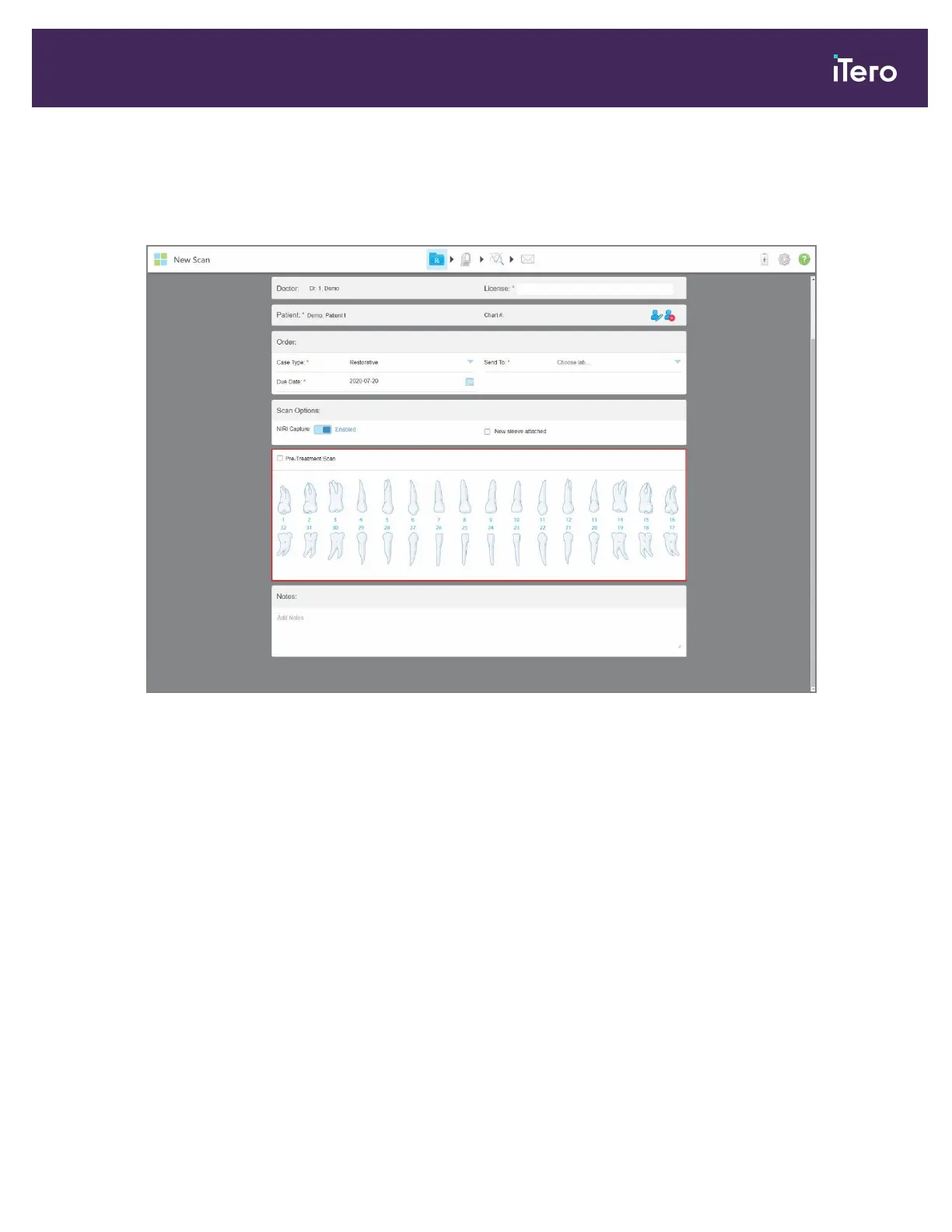
To scan a restorative or chairside milling case:
1. From the Case Type drop-down list, select Restorative.
A tooth chart is displayed in the window.
Figure 96: New Scan window – Restorative case type with a tooth chart
2. Select the Pre-Treatment Scan check box if you would like to scan the patient before prepping the relevant
tooth. In this case, the patient must be scanned twice – before and after the tooth has been prepped.
The pre-treatment scan enables the lab to copy the original anatomy to the new restoration.
iTero Element 5D and iTero Element 5D Plus imaging systems User manual
© 2022 Align Technology, Inc. All rights reserved. 99



 To Next Page