To define the margin line automatically:
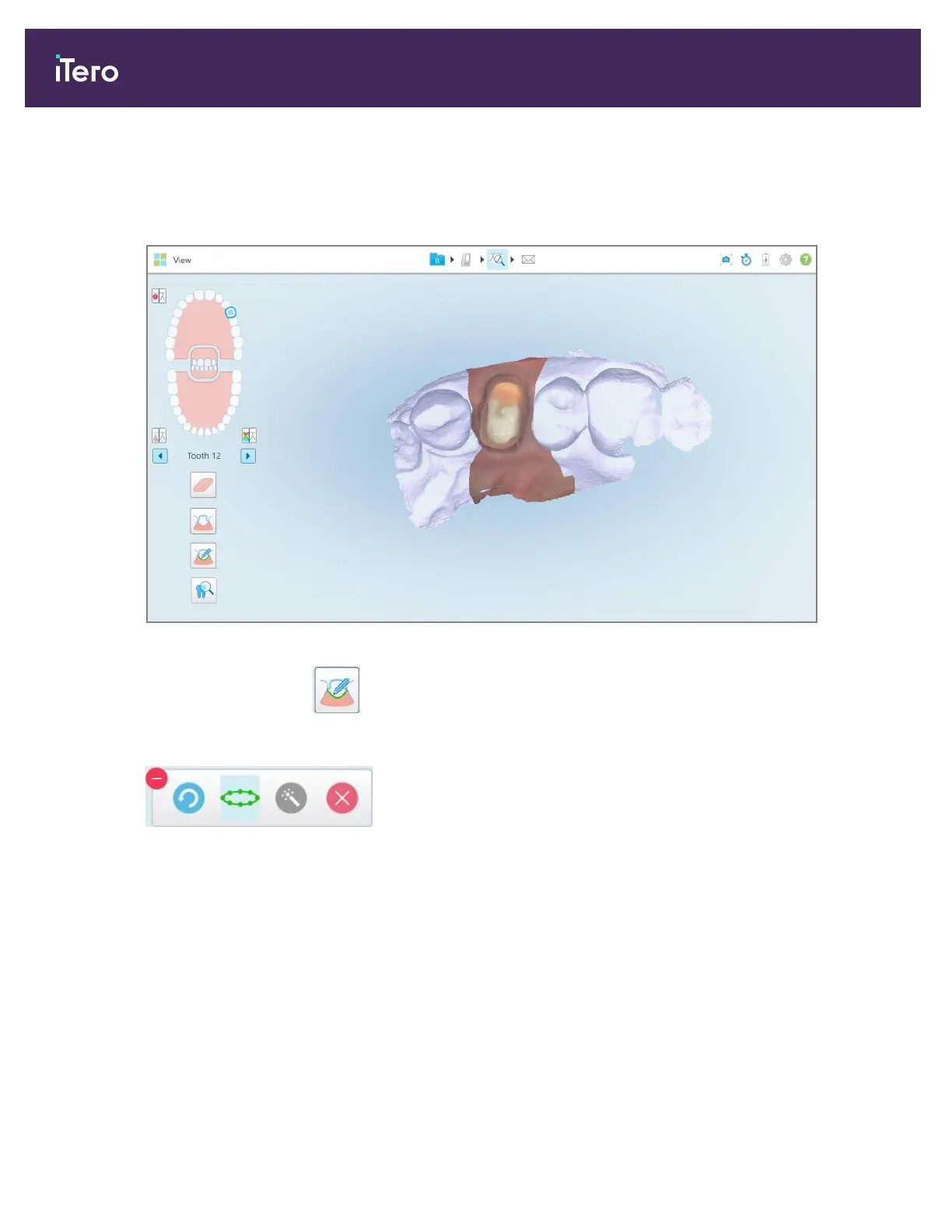
1. In the View window, tap the prepped tooth in the navigation controls.
The 3D model display moves to the occlusal view and zooms in on the prepped tooth.
Figure 176: Model display moves to the occlusal view, and zooms in on the prepped tooth
2.
Tap the Margin Line tool .
The Margin Line tool expands to show the following options:
Figure 177: Margin Line tool options
iTero Element 5D and iTero Element 5D Plus imaging systems User manual
164 © 2022 Align Technology, Inc. All rights reserved.



 To Next Page