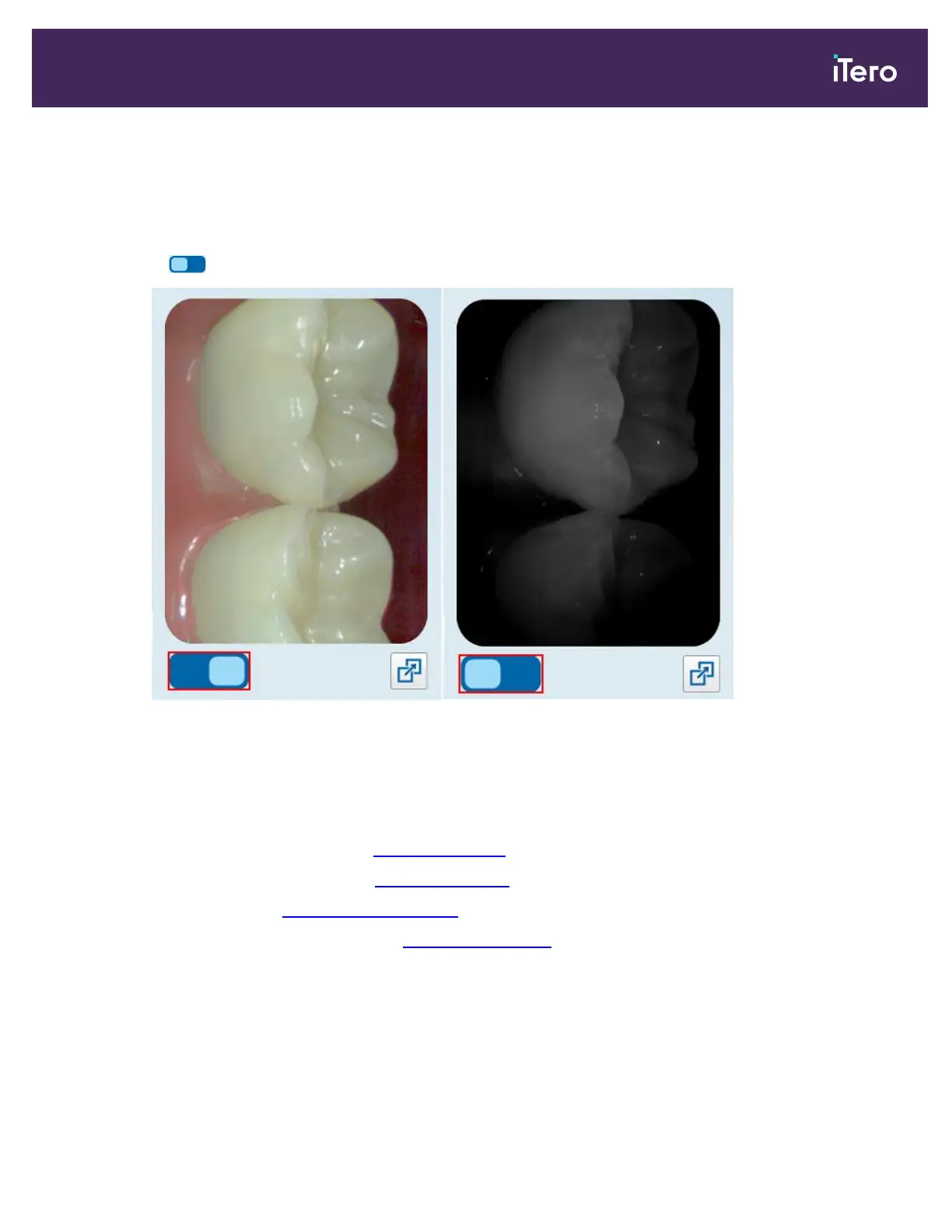
5.5.5 Toggling between color and NIRI images in the viewfinder
Note: This section is not relevant for iTero Element 5D Plus Lite systems.
In addition to moving the viewfinder, you can toggle the display to show the viewfinder image either in color or as a
NIRIimage.
l
Tap to toggle between displaying a color image or a NIRI image in the viewfinder.
Figure 113: Viewfinder displaying a color image (left) or a NIRI image (right)
5.5.6 Editing a scan
After you have scanned the model, you can edit it using the following tools:
l
Delete Segment tool, described in Deleting a segment
l
Delete Selection tool, described in Deleting a selection
l
Fill tool, described in Filling in missing anatomy
l
Disable A.I. Cleanup tool, described in Disabling A.I. cleanup
iTero Element 5D and iTero Element 5D Plus imaging systems User manual
© 2022 Align Technology, Inc. All rights reserved. 113



 To Next Page