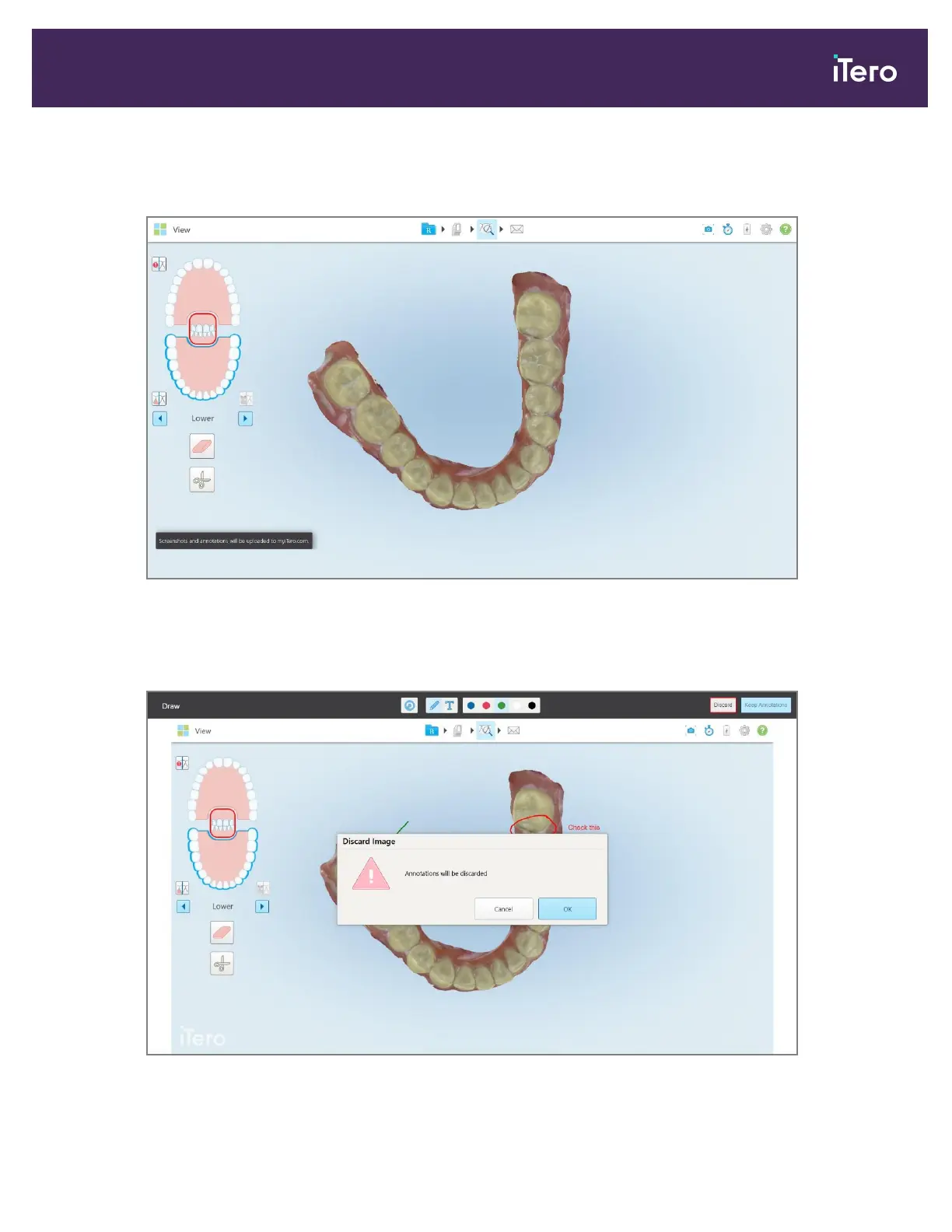
A pop-up message is displayed at the bottom of the screen, notifying that the screenshots and annotations will
be uploaded to MyiTero, where you can access them.
Figure 198: Notification that the screenshots and annotations will be uploaded to MyiTero
5. To save only the screenshots without the annotations, tap Discard.
A confirmation message is displayed.
Figure 199: Confirmation about the annotations being discarded
iTero Element 5D and iTero Element 5D Plus imaging systems User manual
© 2022 Align Technology, Inc. All rights reserved. 181



 To Next Page