2.
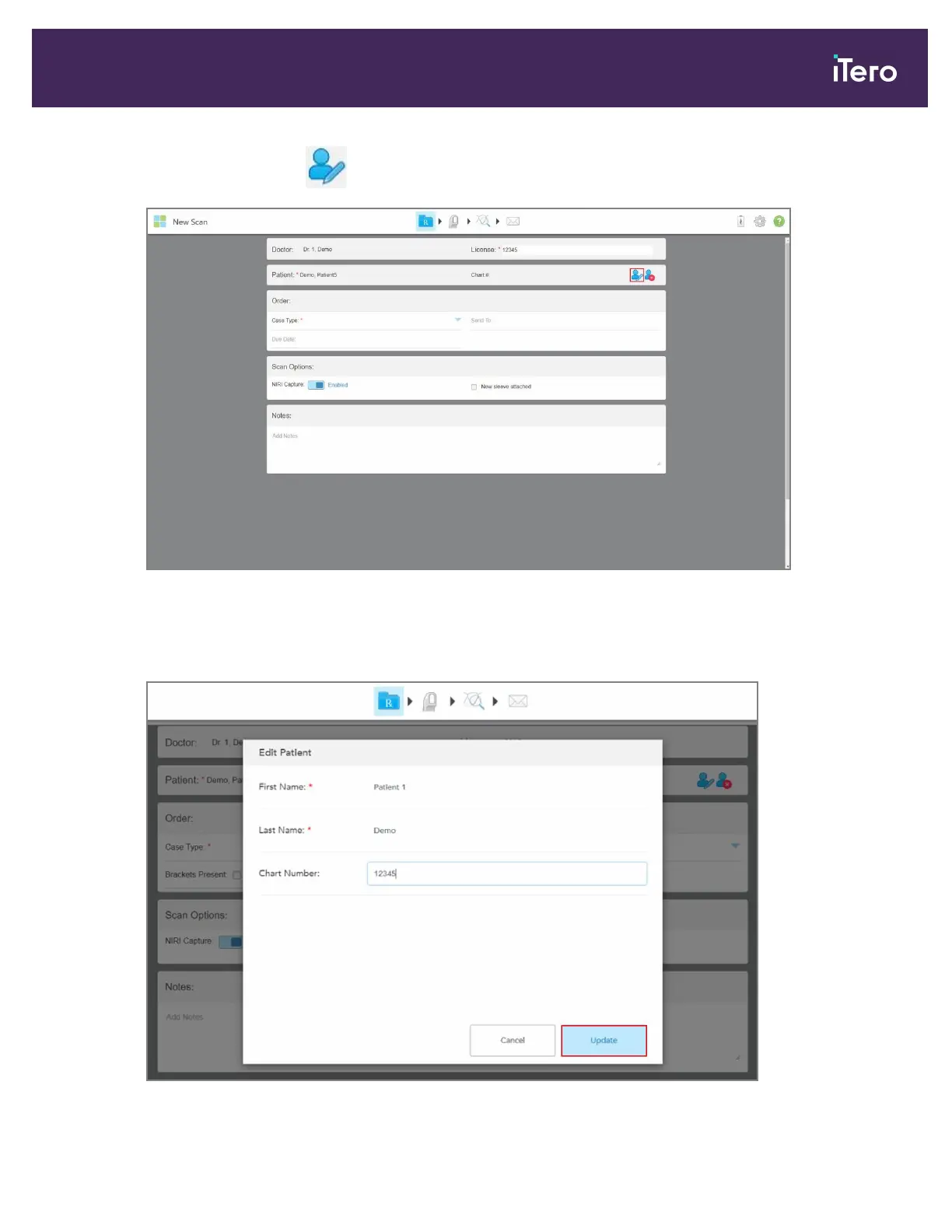
In the Patient area, tap .
Figure 89: New Scan window – editing a patient
The Edit Patient window is displayed.
3. Edit the patient’s details as required and then tap Update.
Figure 90: Edit Patient window and Update button
iTero Element 5D and iTero Element 5D Plus imaging systems User manual
© 2022 Align Technology, Inc. All rights reserved. 93



 To Next Page