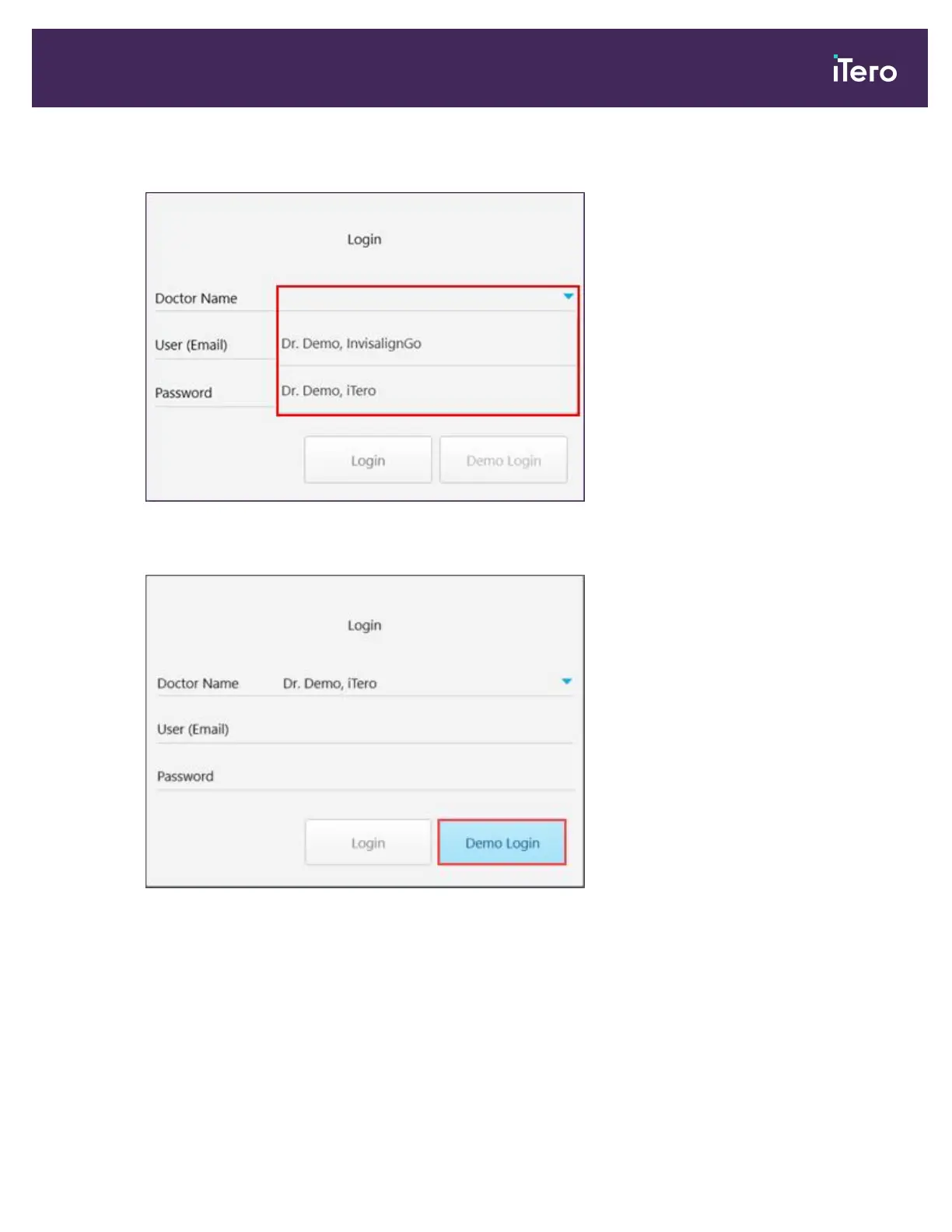
The Login window is displayed, enabling you to select the demo user.
Figure 32: Login window with a list of demo users
3. To view iTero restorative cases, select the Dr. Demo, iTero user from the Doctor Name drop-down list.
Figure 33: Demo Login button
iTero Element 5D and iTero Element 5D Plus imaging systems User manual
© 2022 Align Technology, Inc. All rights reserved. 41



 To Next Page