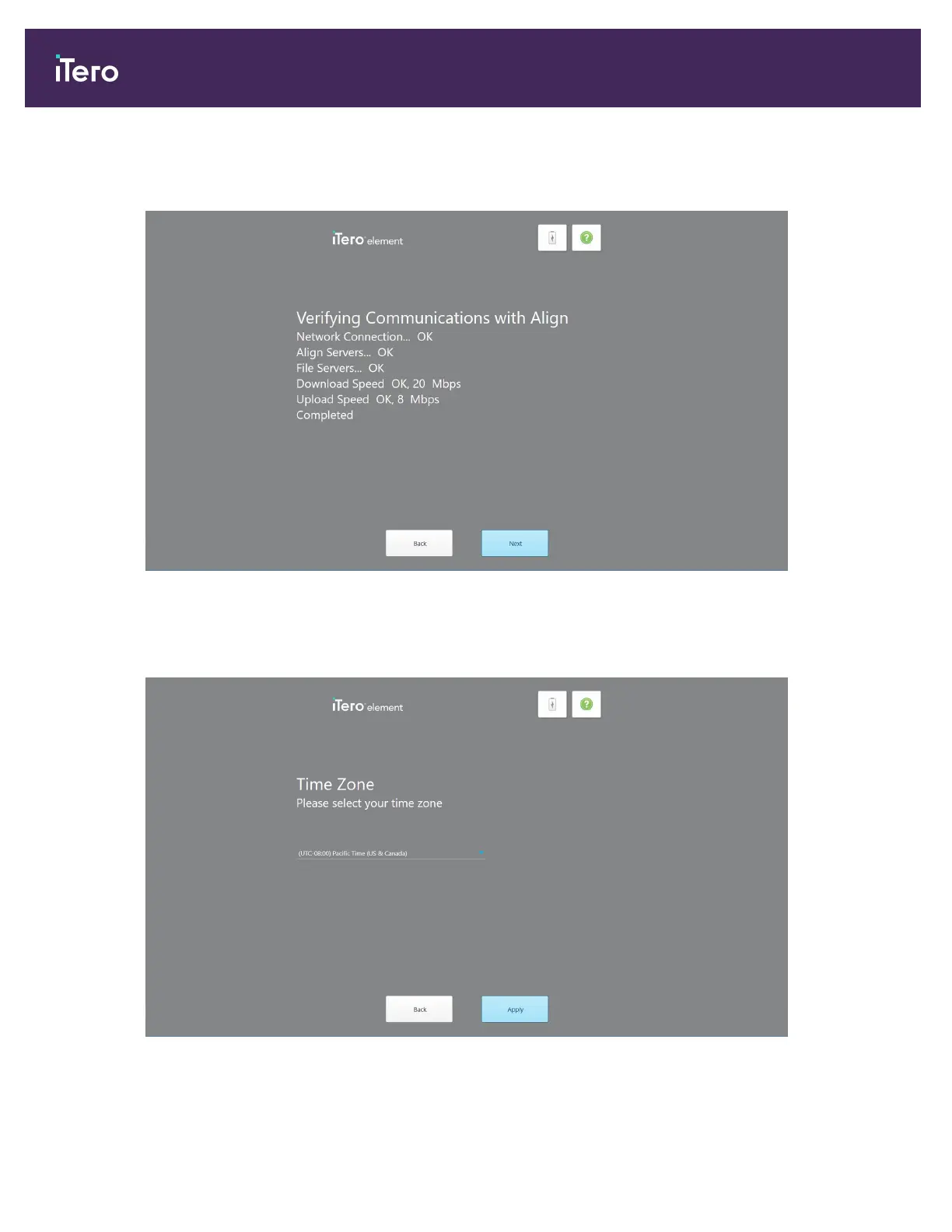
5. Tap Next.
The communication with Align is verified.
Figure 23: Verifying the communication with Align
6. When the verification is complete, tap Next.
The Time Zone page is displayed.
Figure 24: Selecting the time zone
iTero Element 5D and iTero Element 5D Plus imaging systems User manual
36 © 2022 Align Technology, Inc. All rights reserved.



 To Next Page