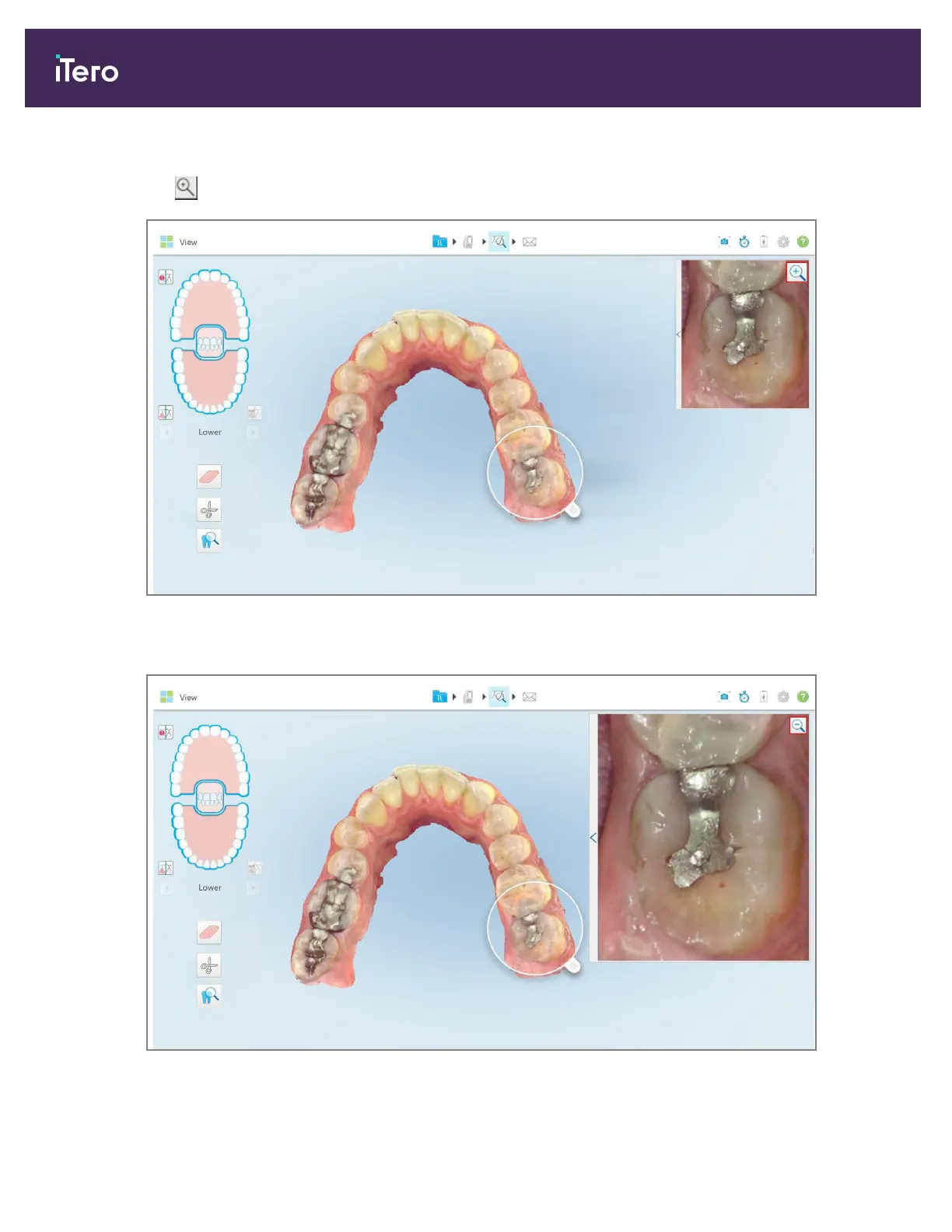
To zoom in or out using the zoom button:
1.
Tap on the colored intraoral image to zoom in to the area of interest.
Figure 188: Zoom-in button on the image in the image pane
The image pane is enlarged to display the zoomed-in image.
Figure 189: Zoomed-in image displayed in the enlarged image pane
iTero Element 5D and iTero Element 5D Plus imaging systems User manual
174 © 2022 Align Technology, Inc. All rights reserved.



 To Next Page