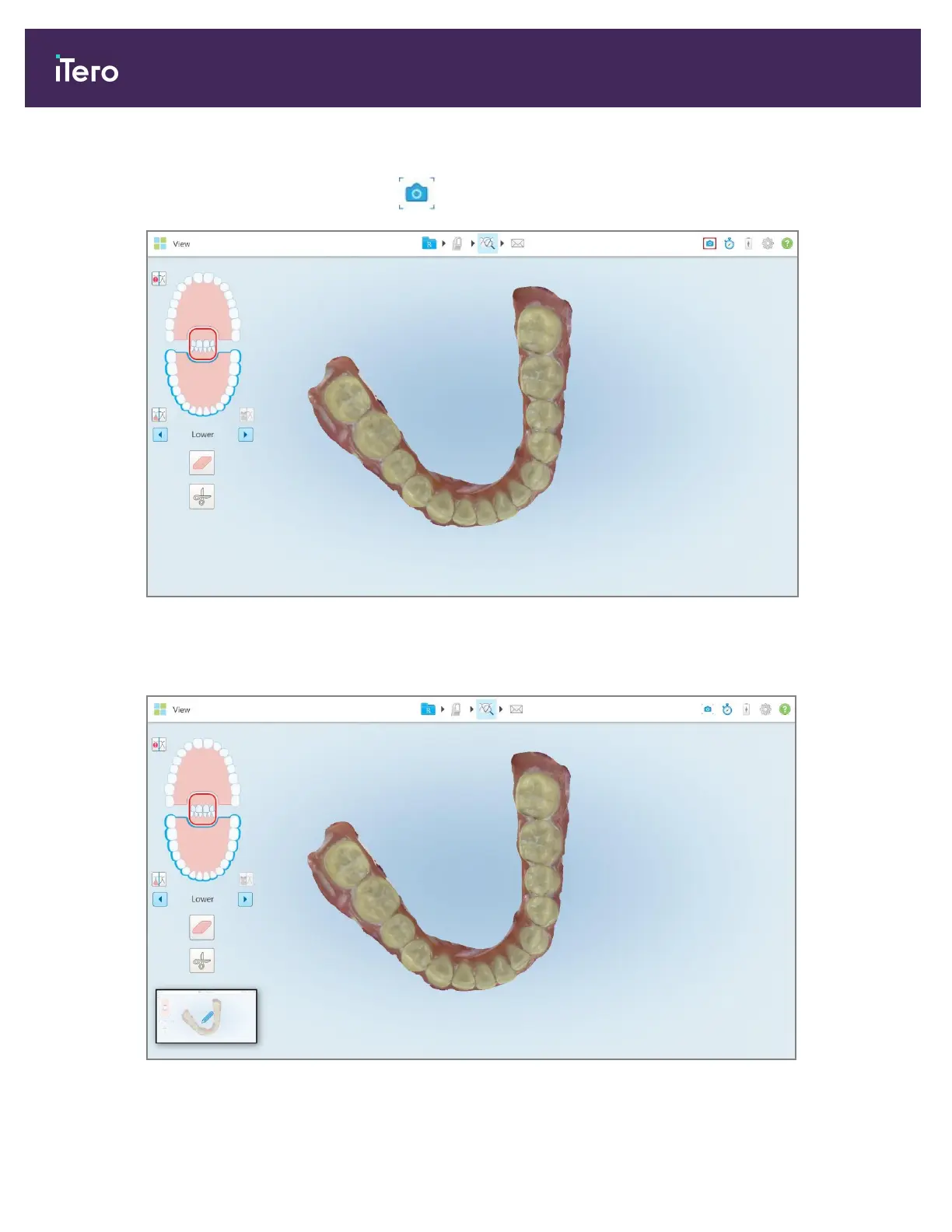
To capture a screenshot of a scanned image:
1.
In View mode, tap the Snapshot tool on the toolbar.
Figure 192: View mode – with Snapshot tool
The screen flashes, indicating that the screenshot was captured. A thumbnail of the screenshot is displayed on
the bottom left of the window and remains for 7 seconds.
Figure 193: Screen capture thumbnail is displayed after taking a screen capture
iTero Element 5D and iTero Element 5D Plus imaging systems User manual
178 © 2022 Align Technology, Inc. All rights reserved.



 To Next Page