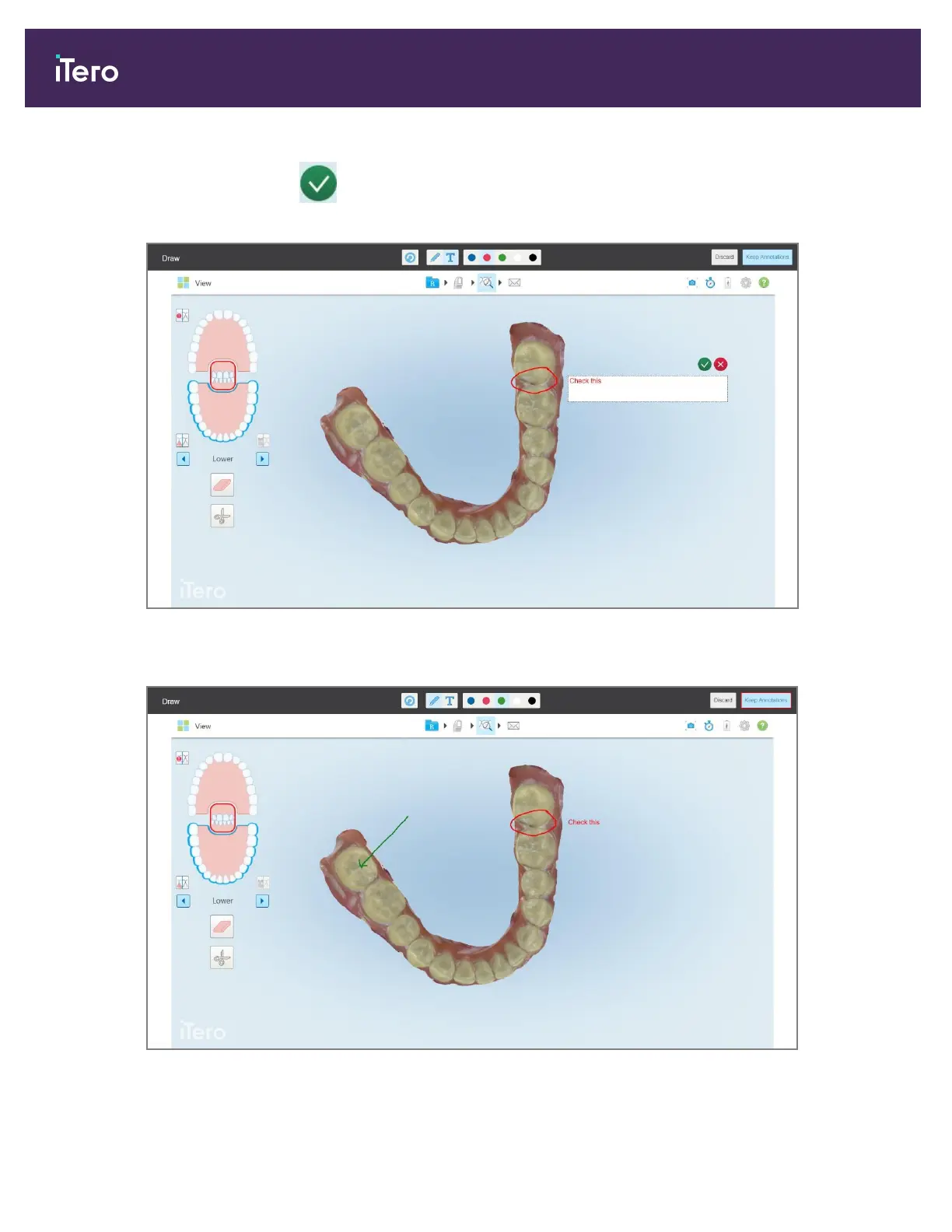
Note: If you do not tap after entering text, the color of the text will be changed if you select a different
color for the next annotation.
Figure 196: Adding text to the screenshot
4. To save the screenshot with the annotations, tap Keep Annotations.
Figure 197: Screenshot with annotations
iTero Element 5D and iTero Element 5D Plus imaging systems User manual
180 © 2022 Align Technology, Inc. All rights reserved.



 To Next Page