4.5 User interface
The iTero system provides an intuitive user interface for performing digital scans for Restorative or Orthodontic
use. The touch screen and wand buttons are used to respond to screen instructions during the scanning process.
For a list of the touch-screen gestures that can be used, see Touch-screen gestures.
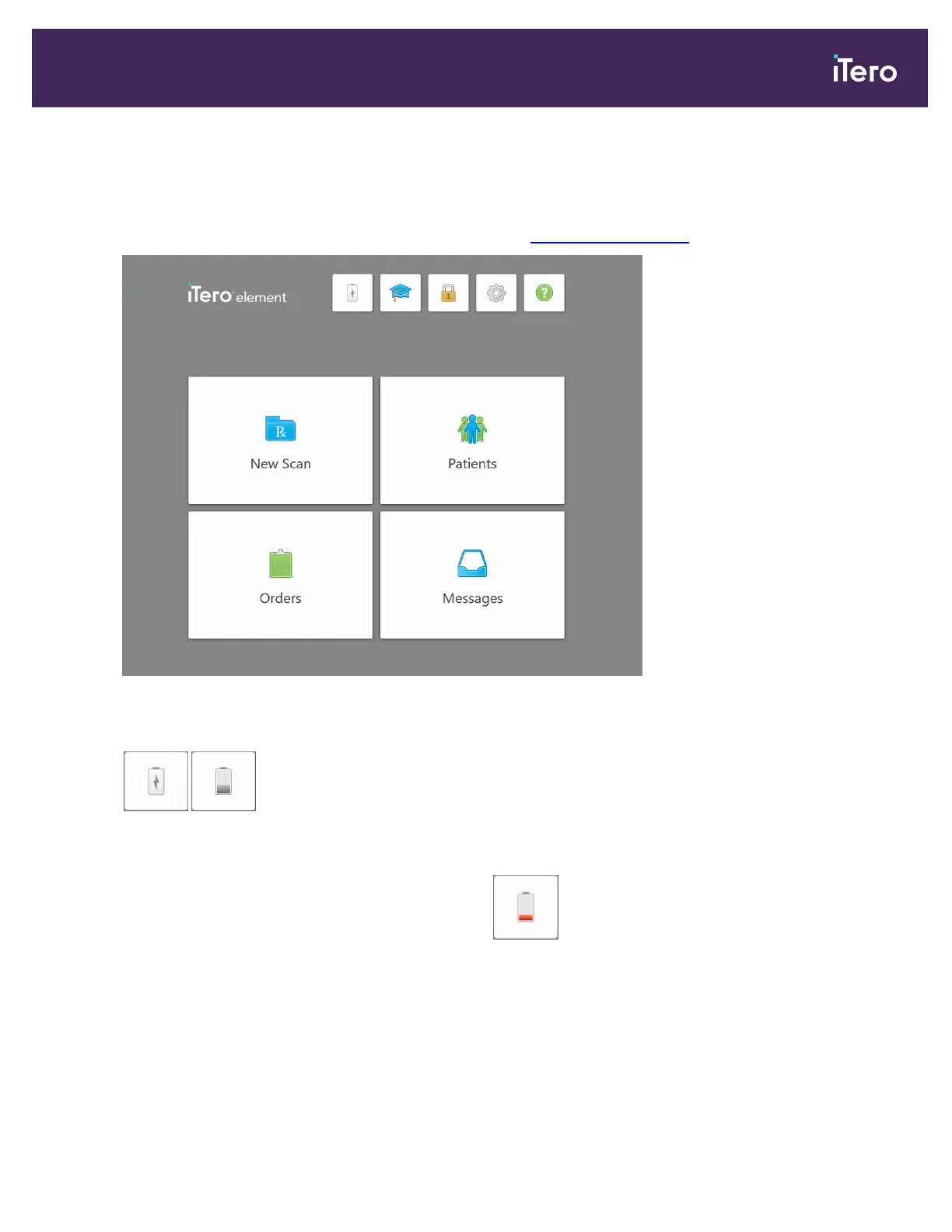
Figure 50: iTero home screen
The following buttons are displayed on the home screen:
/
Displays the status of the external battery:
l
A lightning bolt indicates that the scanner is connected to the power, and the
battery is charging.
l
When using battery power, the remaining charge level is displayed on the
battery icon. When the remaining charge level falls below 25%, the battery
icon is displayed in red .
iTero Element 5D and iTero Element 5D Plus imaging systems User manual
© 2022 Align Technology, Inc. All rights reserved. 57



 To Next Page