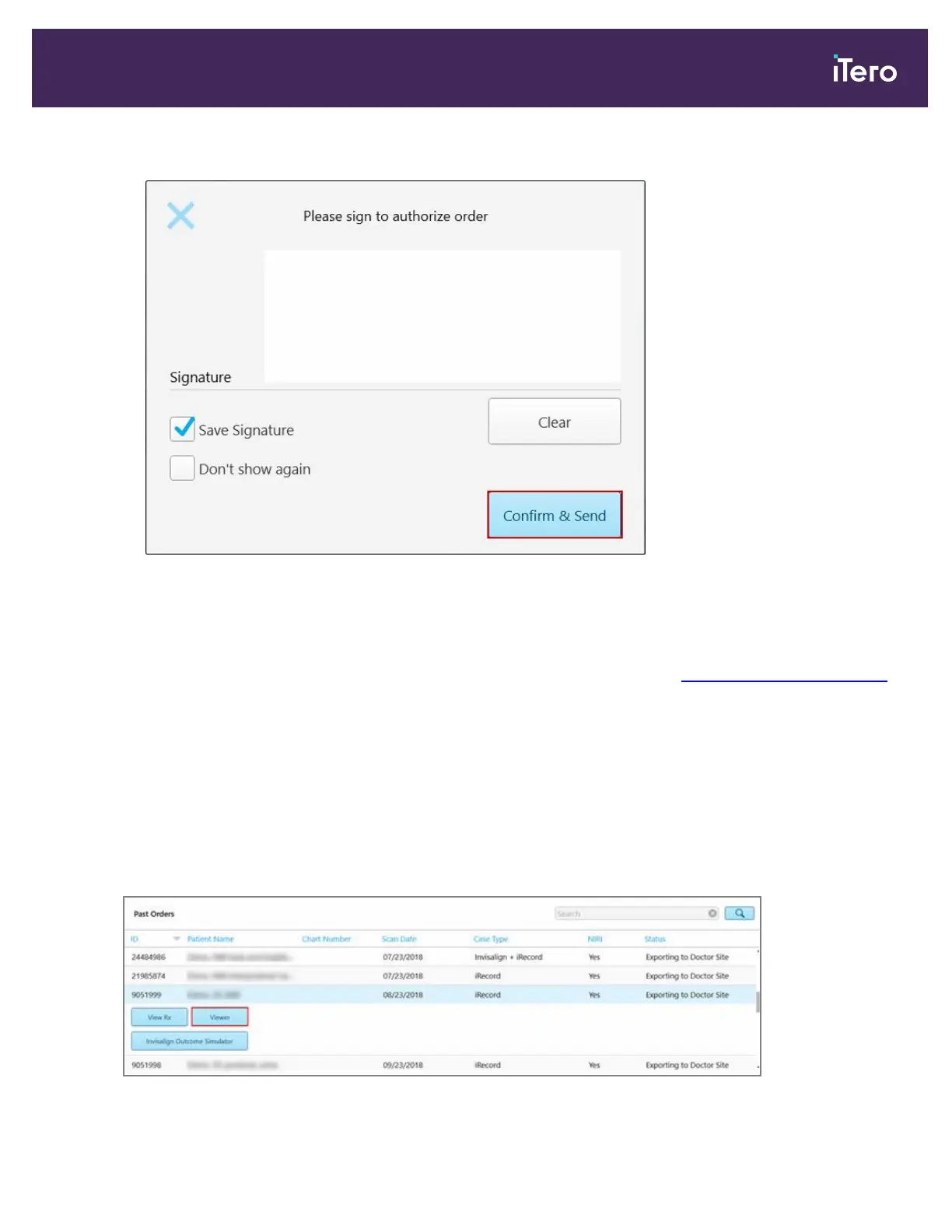
2. Add your signature to authorize the order and then tap Confirm and Send.
Figure 117: Sending the scan
3. If required, select the Save Signature check box to save your signature for authorizing future cases.
4. If required, select the Don’t show again check box to skip the authorization stage.
To return the authorization stage, define the signature settings, as described in Defining the signature settings.
A notification message is displayed that the model is being sent and then the patient’s profile page is displayed
showing the status of the order.
5.8 Working with the Viewer
The Viewer is a tool that enables you to view and manipulate the digital model for case presentations. Only cases
that have already been sent can be viewed in the Viewer.
The Viewer can be accessed from Past Orders in the Orders page, or from a specific patient’s profile page.
Figure 118: Viewer option in the Past Orders pane in the Orders page
iTero Element 5D and iTero Element 5D Plus imaging systems User manual
© 2022 Align Technology, Inc. All rights reserved. 117



 To Next Page